With one imminent apocalypse prevented, the heroes can finally focus on directly opposing the machinations of Runelord Xanderghul, whose pursuit of revenge continues to threaten the Saga Lands—and Golarion as a whole! But to reach him and force that confrontation, the heroes must risk it all in conjuring a personification of doomsday known as the Oliphant, for this titanic legend is their only pathway into the deadly realm where Xanderghul awaits: the Apocalypse Archive of Jandelay!
Into the Apocalypse Archive is a Pathfinder adventure for four 18th-level mythic characters. This adventure concludes the Revenge of the Runelords Adventure Path, a three-part monthly campaign in which a group of adventurers fight against the evil plans of Runelord Xanderghul—the most powerful of all runelords. This adventure also includes rules for large-scale apocalyptic disasters and presents a range of legendary artifacts and monsters to reward and challenge high-level characters. Experience this Adventure Path using the full suite of Foundry VTT features, using maps, tiles, tokens, sounds, and much more to bring you content which truly cannot be experienced in the same way anywhere else!
Purchase Revenge of the Runelords 3 of 3: Into the Apocalypse Archive
Into the Apocalypse Archive for Foundry VTT includes:
- High-resolution character artwork and tokens for the unique monsters and NPCs in this Adventure Path, featuring full support for Foundry VTT’s Dynamic Token Engine.
- A brand-new custom Dynamic Token Ring and Combat Turn Marker specifically themed after this Adventure Path.
- A set of custom macros crafted especially for Revenge of the Runelords which apply unique sin-themed animated borders to selected tokens, visually marking them as the servants of a specific Runelord.
- Completely remade, highly detailed, and immersive adventure maps with support for Foundry Virtual Tabletop's Overhead Tiles and Foreground Layer features, re-created by Metamorphic Digital using textures from ambientCG.com, licensed under the Creative Commons CCO 1.0 Universal License.
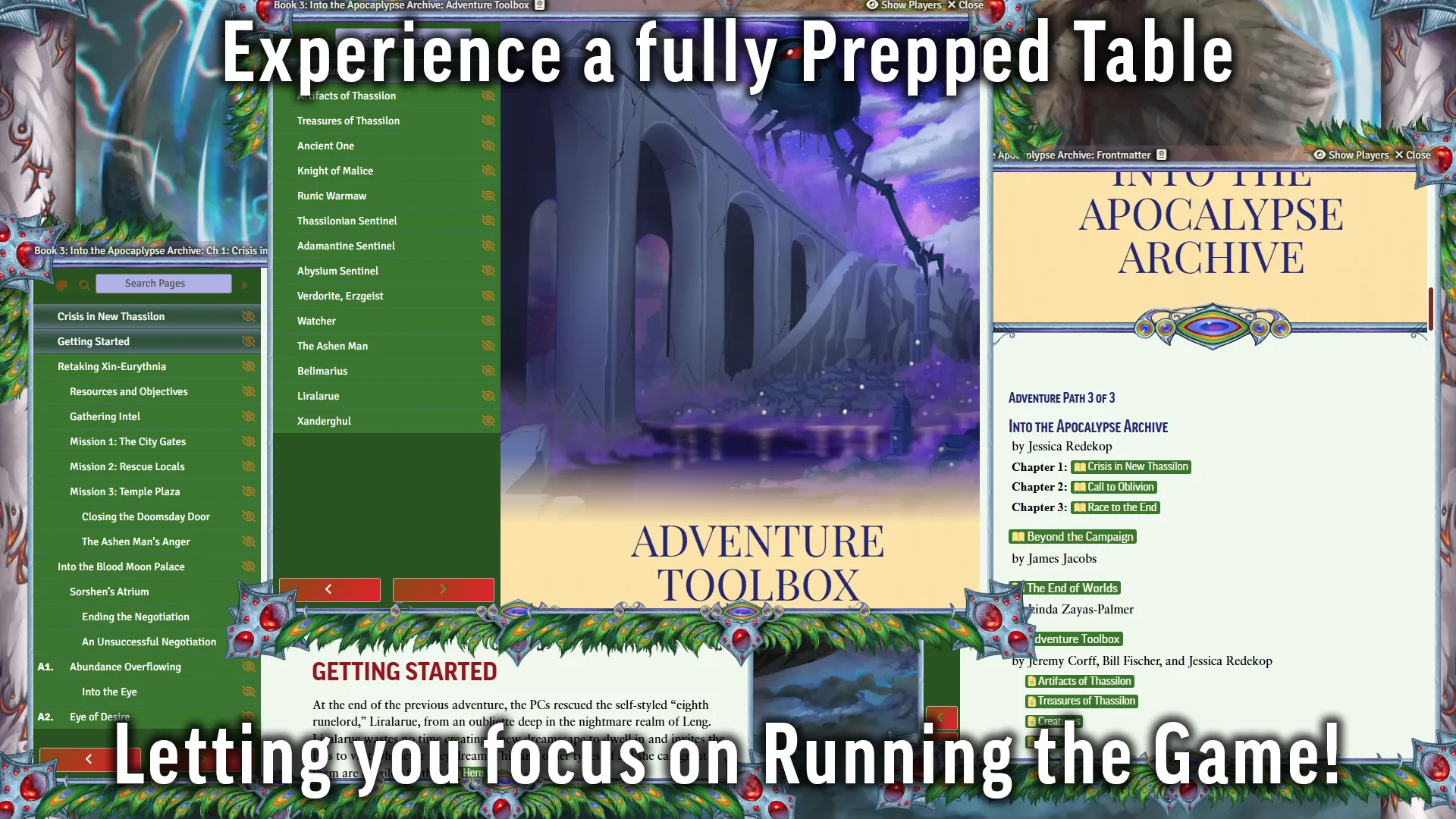
- Journal Entries for the entire contents of the book with additional encounter notes and Foundry VTT tips.
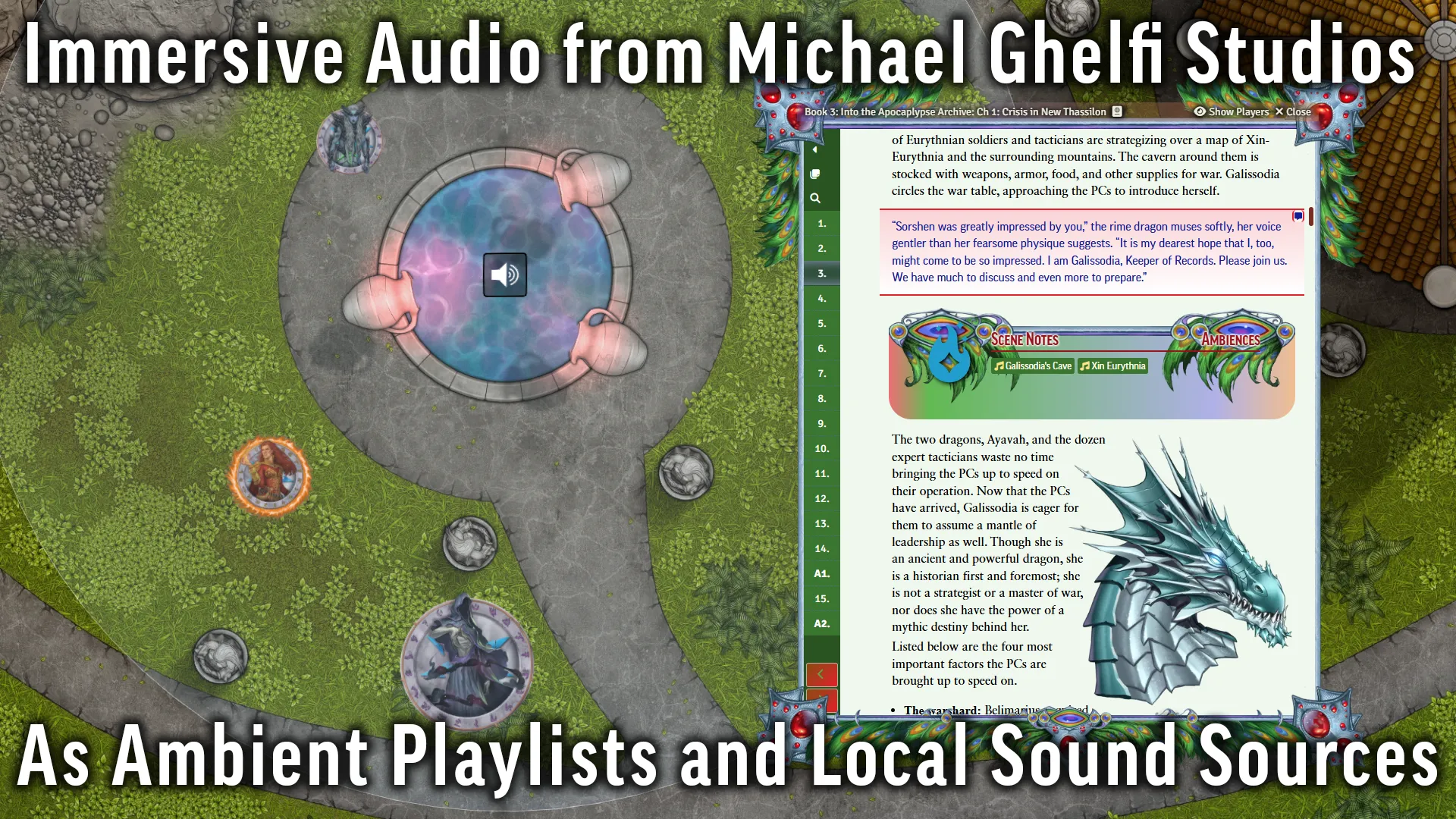
- Scenes pre-configured with walls, lights, sound, tokens, and hazards already placed to provide GMs the most convenient experience running the adventure.
- Soundscapes provided as ambient playlists and local sound sources to immerse your players, created by Michael Ghelfi Studios.
Installation and Activation
Purchasing this product from the Paizo store will grant you an activation code which can be activated through your Foundry VTT account page at https://foundryvtt.com/me/purchases and access to the PDF version of the same content (both downloadable from your My Downloads page on paizo.com). Afterwards you will be able to install the "Pathfinder Adventure Path #221: Into the Apocalypse Archive (Revenge of the Runelords 3 of 3) (Foundry VTT)" module on the Foundry Virtual Tabletop setup screen. To learn more about activating and installing premium content in Foundry Virtual Tabletop, visit https://foundryvtt.com/article/premium-content/.
After installing the module, it must be activated within a Game World. To do so:
- Access the Settings Sidebar tab
- Click "Manage Modules"
- Locate the "Revenge of the Runelords 3 of 3: Into the Apocalypse Archive" module, enable it, and save module settings.
Screenshots