Minstrel
Every scene has a sound.
Support the Module
Your Table's Audio, One Console
Minstrel is a single window for running your table's audio. It works with the playlists you already have in Foundry, and your players have nothing to set up.
Album Library
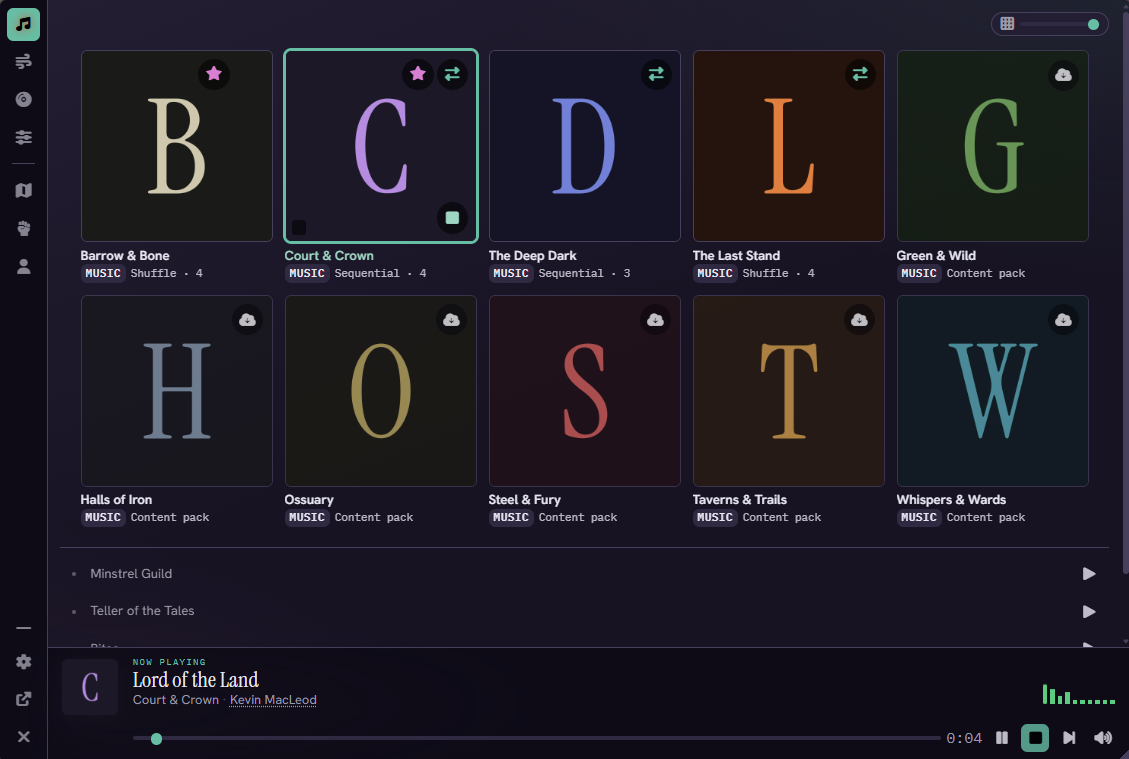
Your playlists show up as a cover-art grid, with music and ambience on separate tabs. Starred playlists sort to the front.
Turn on crossfade for a playlist and its tracks blend into each other instead of stopping and starting.


Soundboard
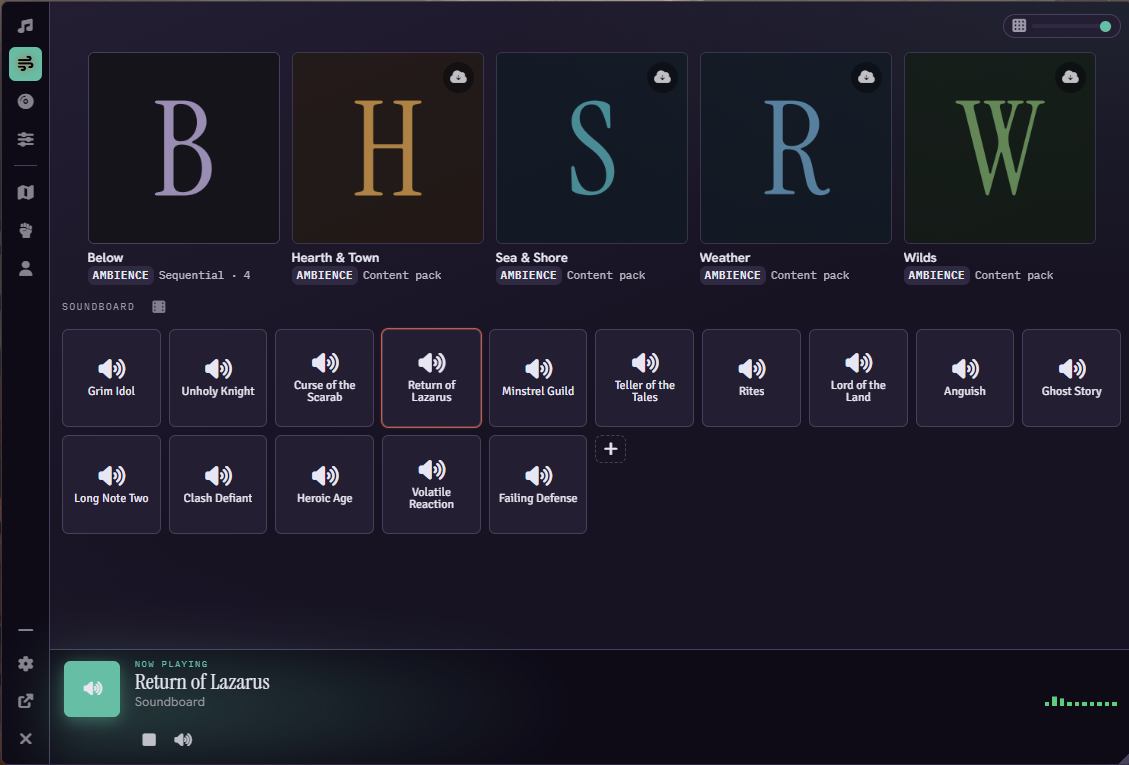
Click a pad and the whole table hears it. Pads can also start a YouTube clip or fire a Syrinscape element.
Trim where a pad starts and stops, and set it to duck the music while it plays.
Moods
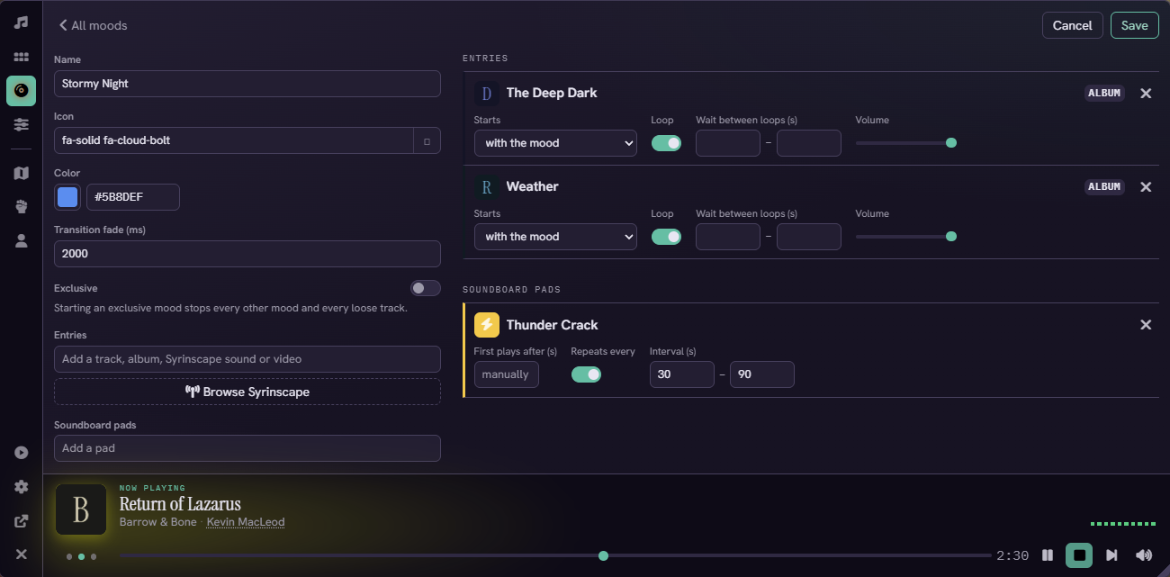
A mood is one button for a whole moment. It can start playlists, timed sound effects, a Syrinscape mood, and a YouTube video together.
Music Cues
Give each scene its music and set a track for combat. Actors and tokens can have a theme that plays on their turn, and Minstrel switches tracks as scenes and turns change.
Players can pick combat themes for characters they own, and you can lock a theme so they can't change it. If you used Video Game Music, your assignments import the first time you load the world.


Mixer
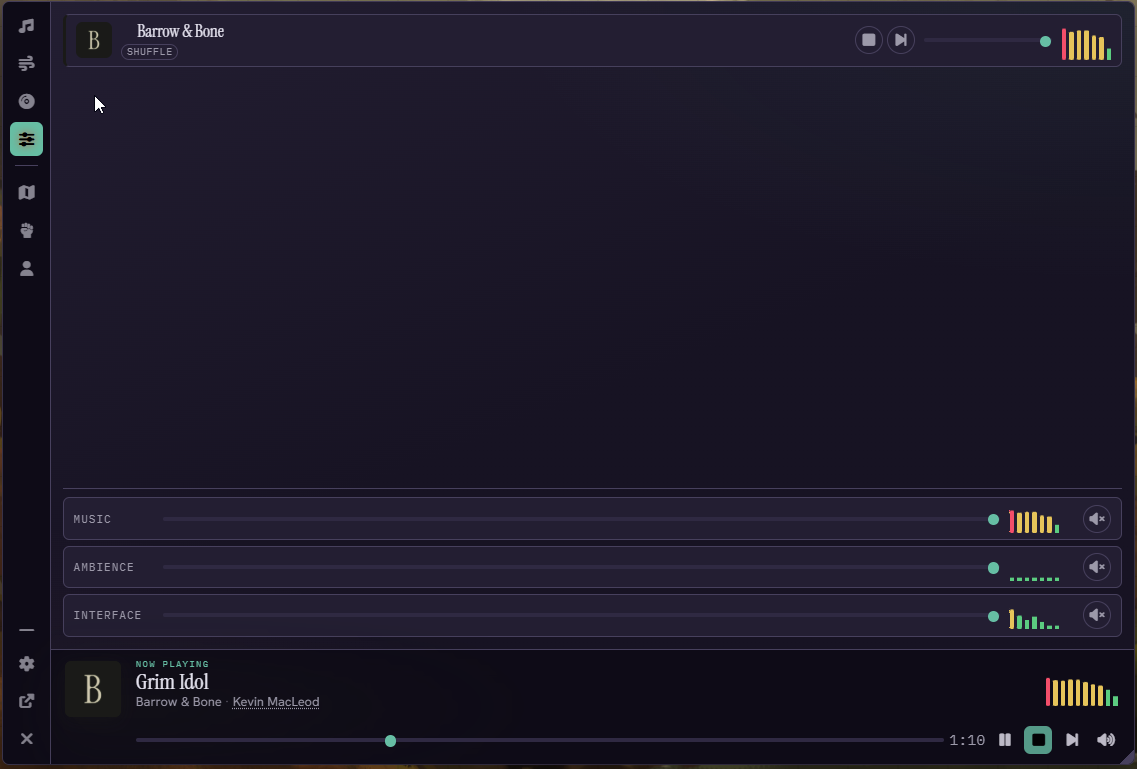
Each playing playlist gets a fader and a level meter. Foundry's core audio channels sit underneath with their own faders and mute buttons.
Playlist faders change the mix for everyone. Channel faders only change what you hear.
Now Playing Bar
A small player sits on the edge of the screen, or wherever you drag it. When several things are playing, it cycles between them. When you seek from the bar, every player jumps with you. Players get their own bar and volume slider.
YouTube and Syrinscape
YouTube videos play in a window that stays in sync for every player. With Syrinscape connected, players join your session inside Foundry without an auth token of their own. You can browse your soundsets and turn a mood or one-shot into a Minstrel mood or pad.
Read the Docs
The Minstrel wiki has setup steps and a page for each feature.
Questions, feedback, or bug reports? Join the community on Discord .