Hello and welcome to Gambit's Enhanced Drawing, now in Early Access and available to Ace of Spades+ subscribers!
If you've ever wanted to draw in Foundry with more available tools more quickly, this module might be for you! Leave a trail for your players to follow, stamp scouted encampments, or pull up a Whiteboard to sketch out detailed plans.
To get started, select Drawing Tools in Foundry's left sidebar. Immediately you will see a new floating toolbar. Pick a tool in the toolbar and set its style on the options panel, or select a Drawing to edit it directly. The options panel contains a number of context relevant controls, and also allows pinning favorites by right-clicking additional tools under Advanced Drawing Options and choosing Add to Custom Tools.
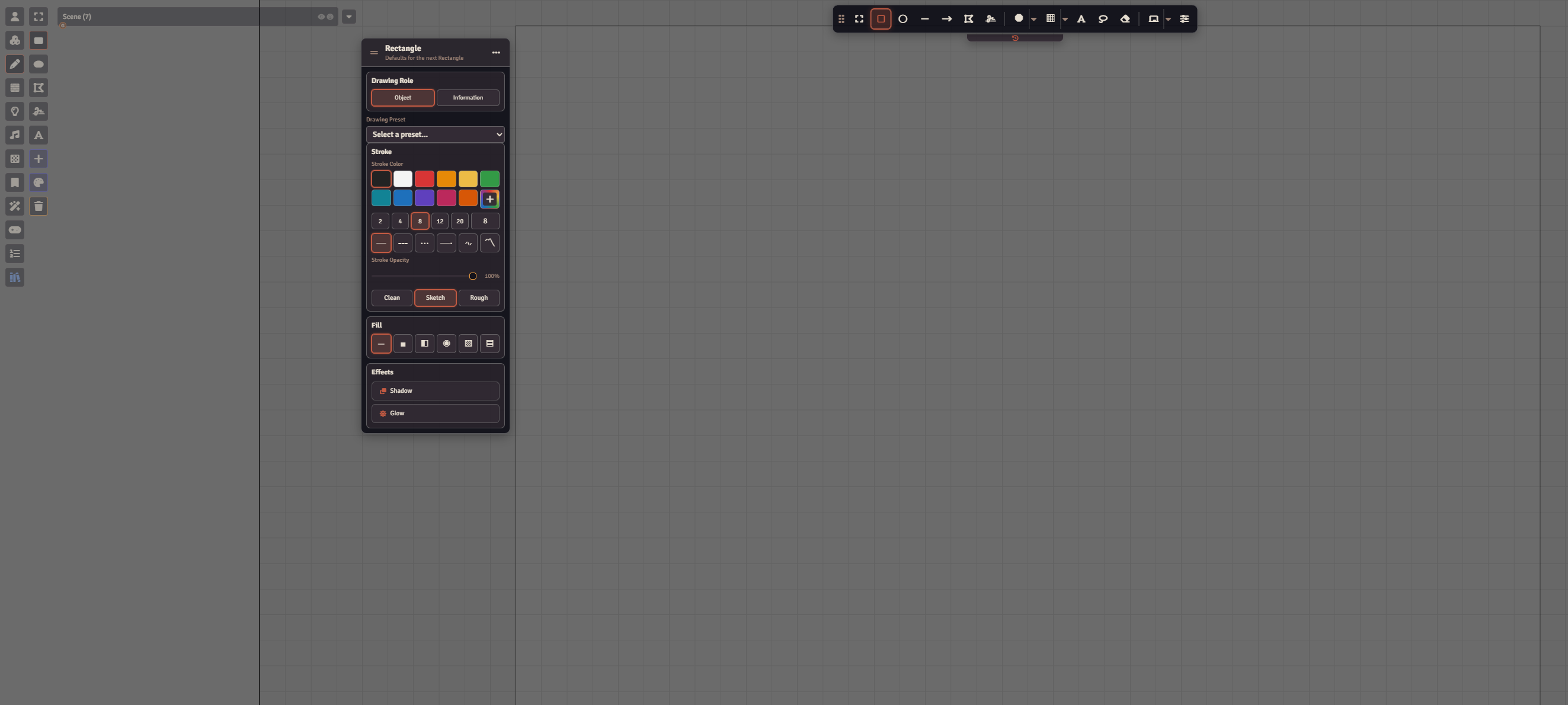
Module Overview
- Shapes — Alongside lines and polygons, Enhanced Primitive gives you stars, rounded rectangles, magic circles, and more!
- Styles & Effects — Draw a road, river, or railroad in one stroke with a wide range of customizable Presets. Try a texture or gradient fill, a glowing outline, or moving chevrons to show which way a river flows.
- Editing Tools — Snap corners together, lasso several Drawings, reshape a line with Edit Path, or cut a gap in a drawn barricade with the Vector Eraser.
- Text & Measurements — Format text directly on the canvas or show a route's length and a room's area in Scene units.
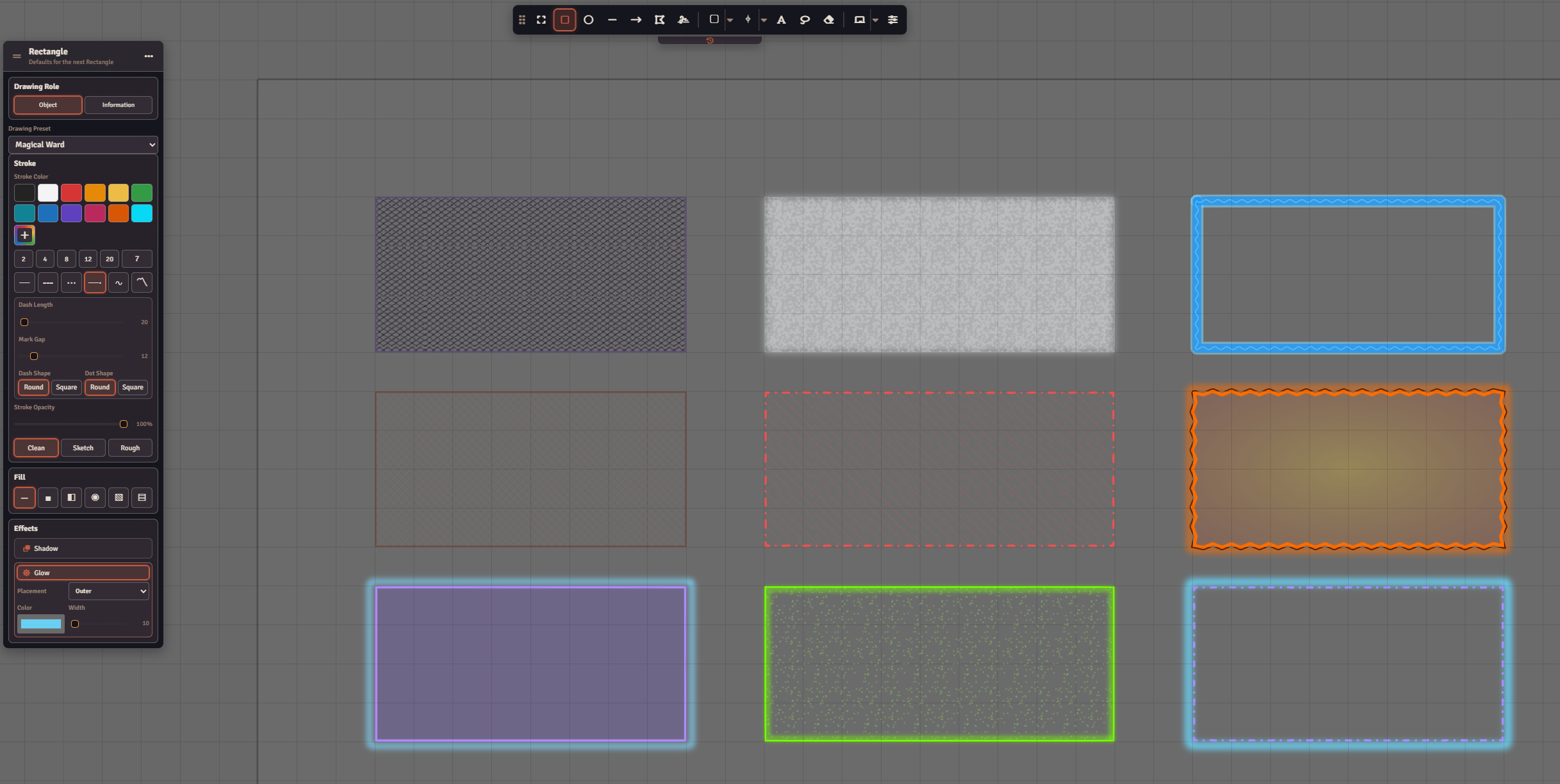
Freehand Brushes & Map Stamps
- Freehand brushes range from pencil and chalk to highlighters, bristle brushes, and spray paint. Tons of styles to choose from. Compatible brushes also respond to pen pressure.
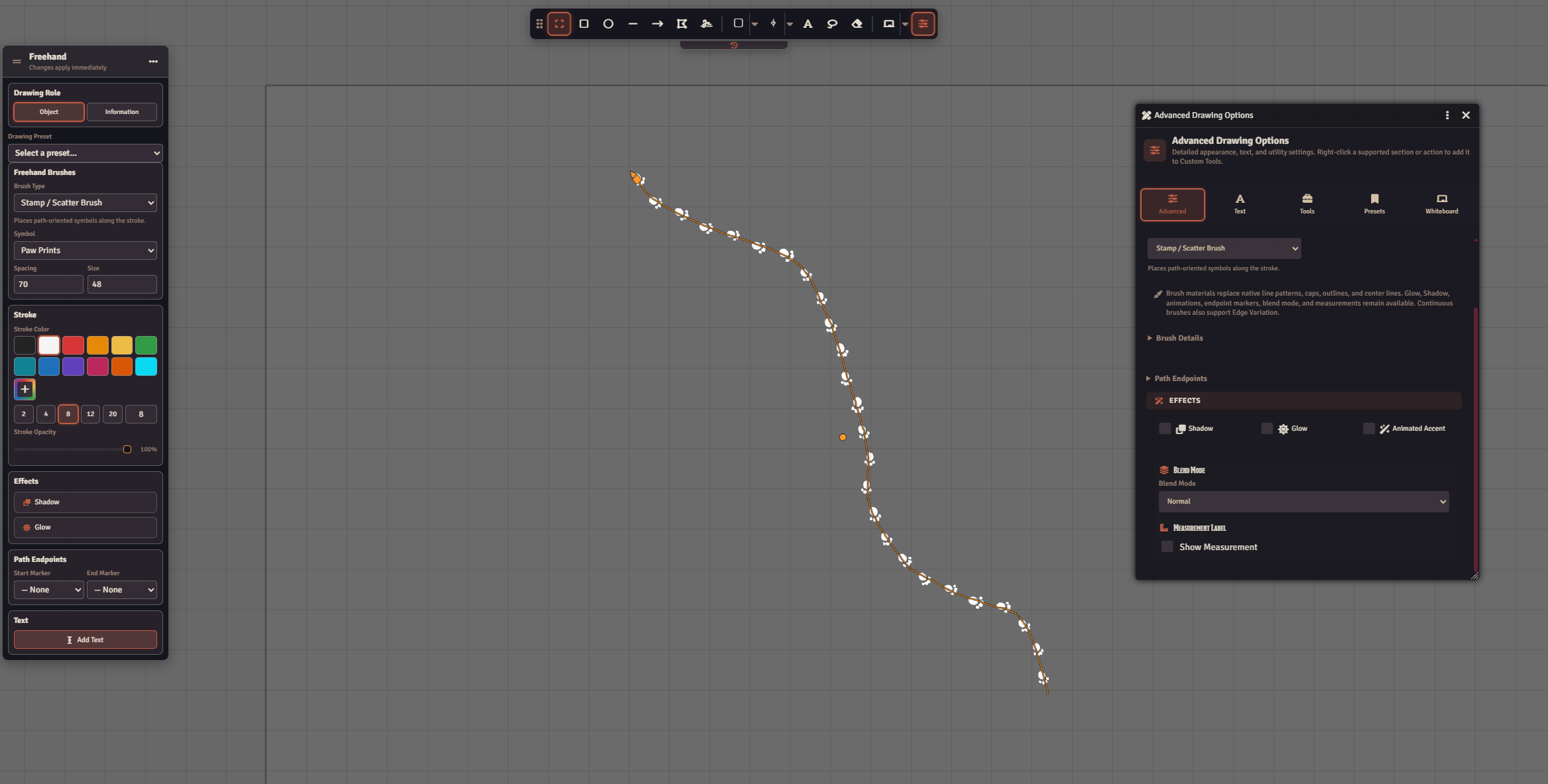
- Stamp / Scatter Brushes — Choose Monster Tracks and click to leave a mysterious print by a window, or drag around a corner to encourage some investigative work. There are a number of built-in brushes such as paw prints, claw marks, blood spatter, and more!
- Map Stamp — Mark a camp, tavern, or portal with one click, or drag to size it yourself. GMs can add custom stamps from images, Foundry document artwork, or text symbols.
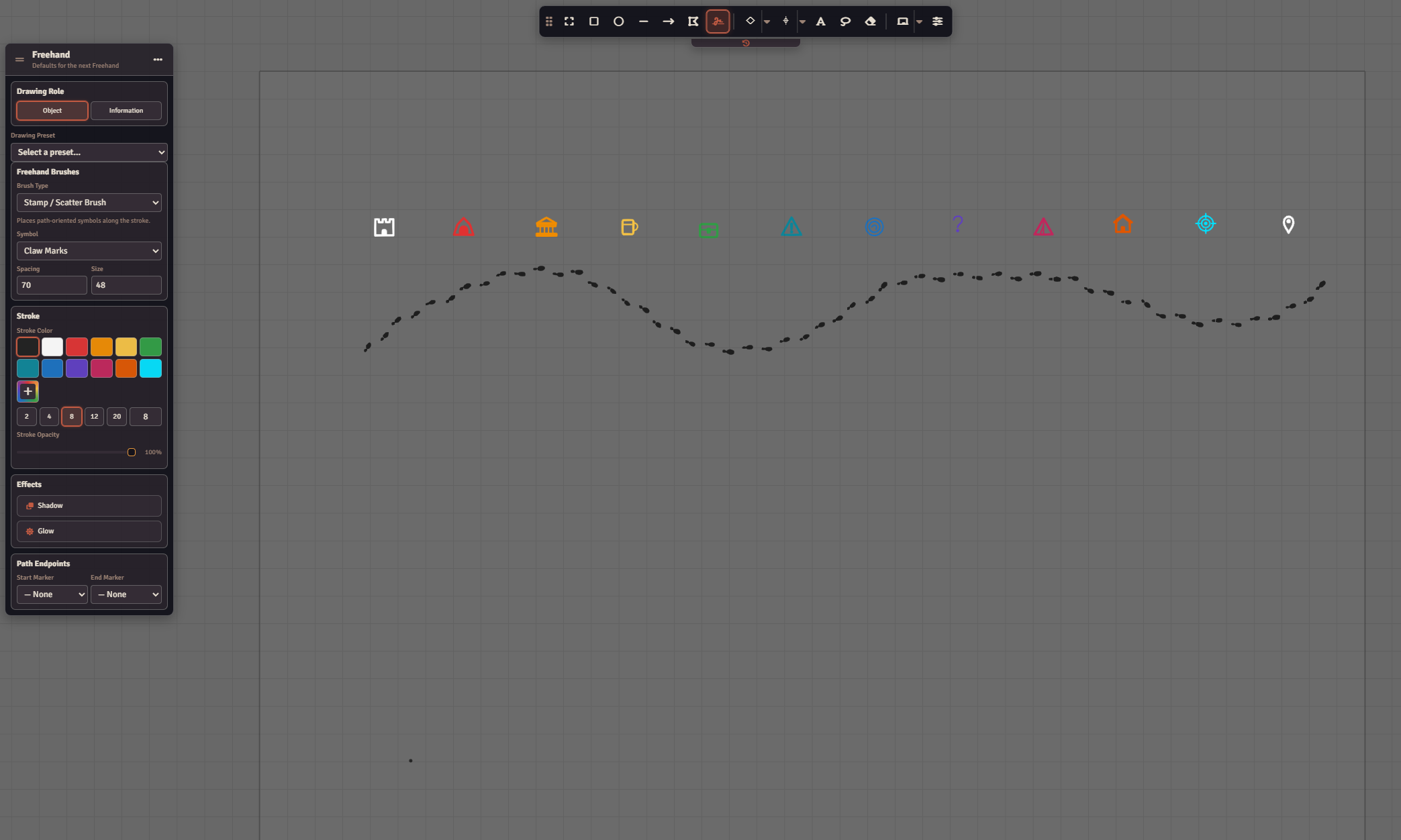
Whiteboards
Open Whiteboard from the toolbar to sketch on paper, or lower the paper opacity and plan a route right over your map. Keep the heist plan in its own Scene, and mark a Party Theories board Available in All Scenes so the same clues travel with the party.
Players follow the GM's board by default. Enable Allow Players to Open Whiteboards to let them choose and open boards on their own. Normal Drawing permissions still apply.
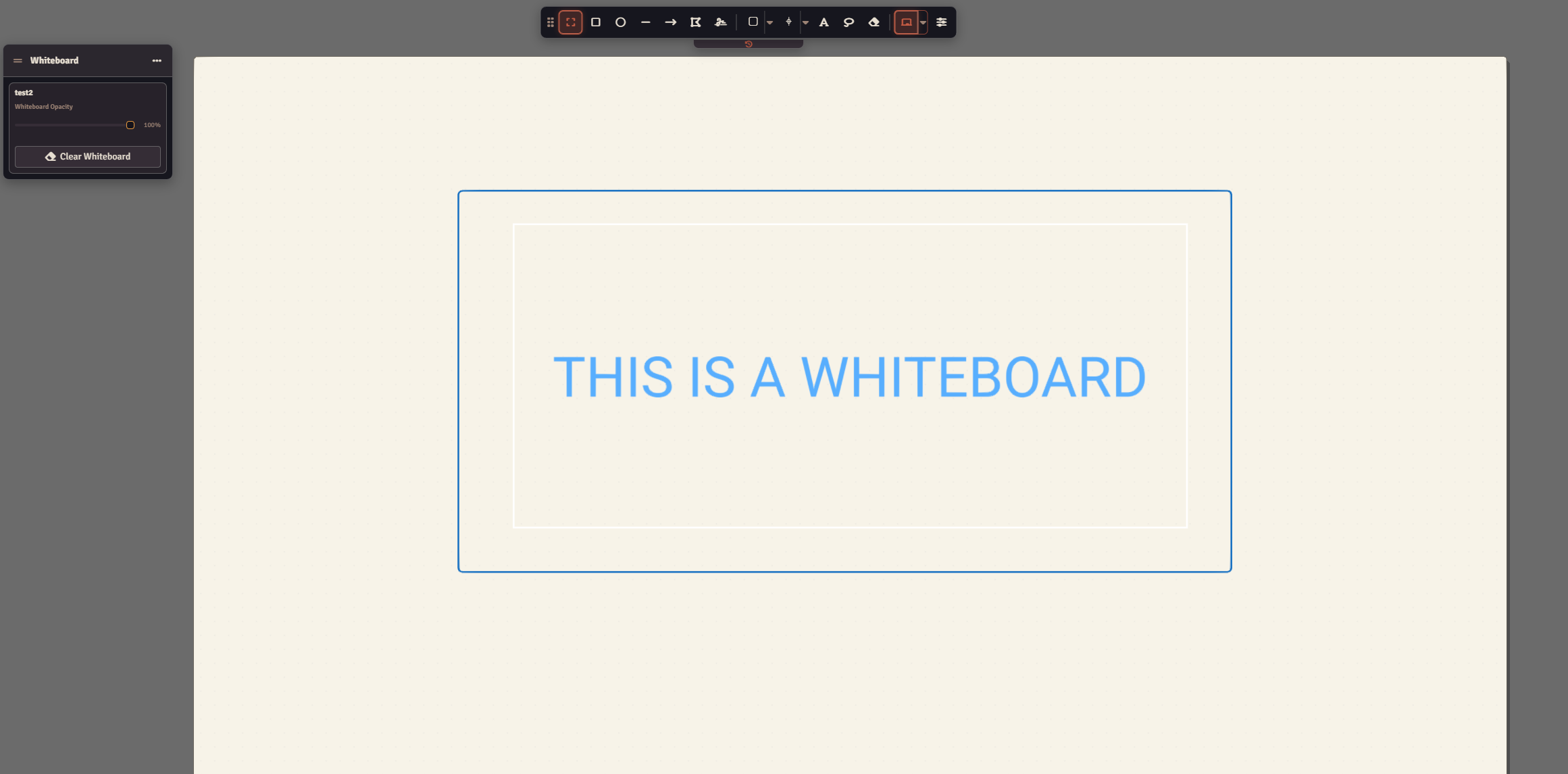
Connectors & Linked Resources
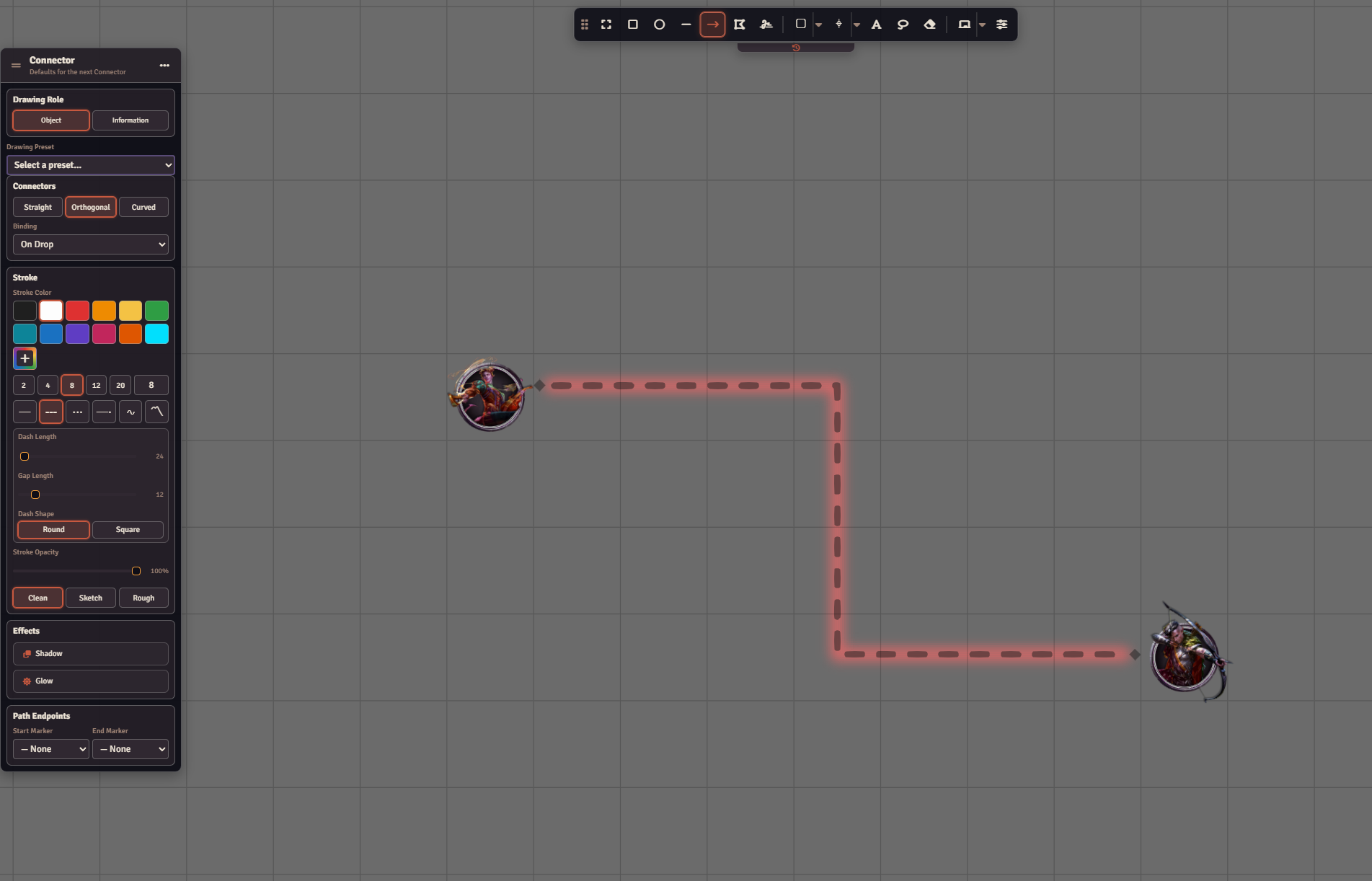
Connectors allow a linked connection between two objects. Link two suspects with a Connector labeled “owes money.” Move either name and the line stays attached. Choose a straight, curved, or elbow route and drag the bends where you want them.
A Linked Resource adds a clickable badge to a Drawing. Click the badge on a tavern stamp to open its Journal Entry, or link a drawing to a full size map! Images and Videos are supported.
Flexibile Enhancements
- Presets & Style Transfer — Save a favorite brush as a preset, or copy and paste a style between Drawings.
- Drawing Layers — Put encounter notes on their own layer to hide, lock, or reorder the whole set.
- Drawing Library — GMs can save a campsite made from several Drawings, then place an editable copy on another map.
- Convert Drawings to Tile — Combine finished map drawings into one Tile and optionally restore the original drawings when you want to edit them again.
Compatibility / Requirements
- Foundry VTT V14
- libWrapper
Enhanced Drawing uses native Foundry Drawings. If you turn the module off, the underlying shapes and plain text remain; enhanced brushwork and effects need the module enabled to display.