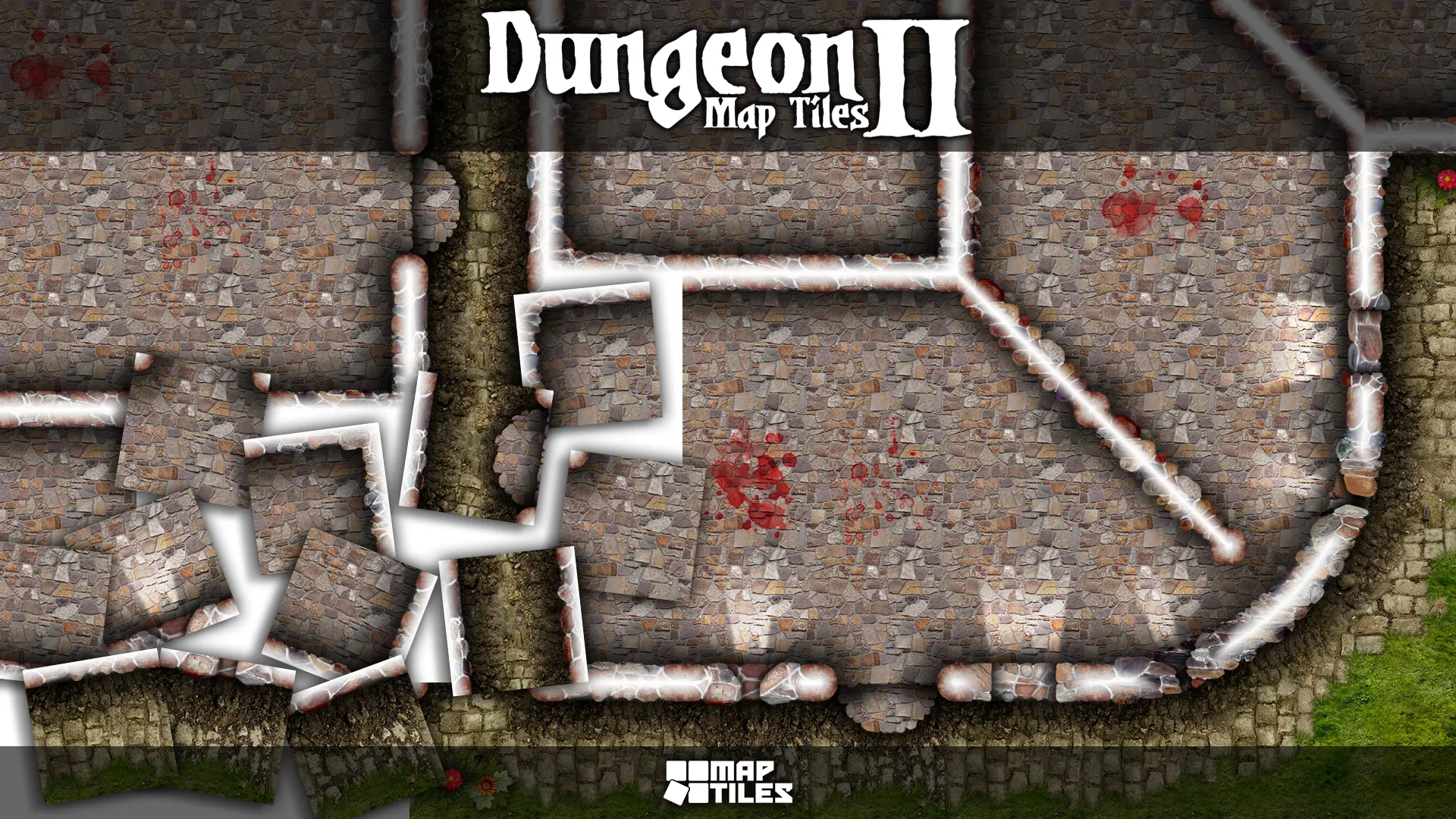
 The Dungeon Map Tiles II set expands on the success of our first Dungeon Map Tiles set with a second different texture theme for building your own castles, goblin villages, wizard's towers, or whatever structure your imagination can cook up. This set of map tiles expands the existing set of map tiles and brings you a completely new look and feel to the dungeon tiles, with all-new artwork. This set includes all of the basic walls, passageways, and odd cornerstone tiles of the first set. Plus 10ft diameter curved wall tiles and 20ft diameter curved wall tiles. The outdoors tiles present a grungy brick building edge that seamlessly matches up with the grass tiles from the first set.
Map Tile Artwork
Each dungeon map tile is a combination of hand-drawn artwork and photographic source material that gives us the unique style of all Studio WyldFurr Maps. All of the tiles have been rendered from a birds-eye view of the landscape, with shadowing used to give the illusion of depth.
Our range of digital virtual tabletop role-playing Map Tiles and Character Tokens all use a standard scale that depicts each real-world inch as three on-screen pixels, for a standard 5ft map grid square size of 180 pixels.
Building Adventure Maps
Our Map Tiles art packs are designed for creating virtual tabletop role-playing adventure maps using a simple block-by-block building method. You can build an adventure map inside FoundryVTT by creating a blank scene and setting the map grid to equal 180 pixels per 5ft grid square. Then use the Tile Browser to locate the module's art assets, and drag-n-drop them one at a time onto the map canvas. Each map tile will snap to the grid and click into place.
For large, detailed maps that include a lot of elements, we recommend building in an art program such as Photoshop, Clip Studio Paint, or Gimp. Then, import the completed map into your FoundryVTT World, where you can add dynamic lighting effects.