AI Usage Explanation
Assistance of AI for coding, with human reviewer/editor
An ultra-lightweight, highly customizable, and system-agnostic progress tracker module for Foundry VTT

Key Features
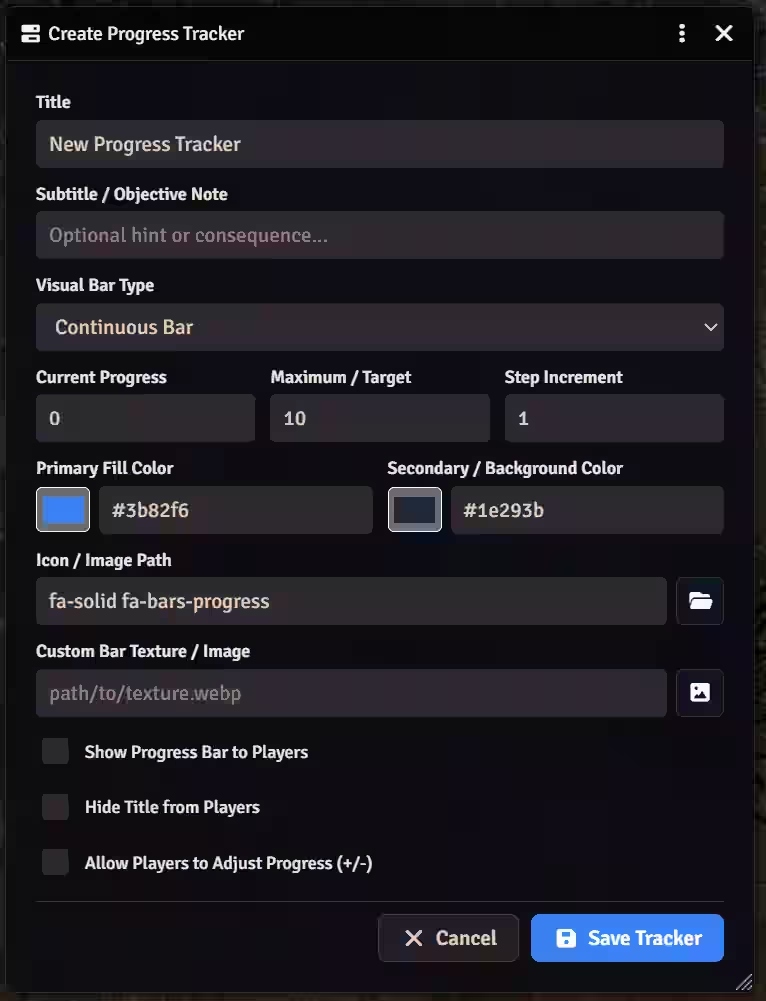
- 6 Visual Bar Types:
- Continuous Bar: Smooth progress bar ideal for distances, journeys, or percentage goals. Supports custom background textures.
- Milestone Bar: Continuous bar with up to 10 customizable milestones placed at any value along the progress track, each with its own icon or custom image that lights up when reached.
- Segmented: Discrete blocks ideal for skill checks, trials, or stages. Click directly on any segment to fill or clear it.
- Icon-Pips: Displays a row of icons or custom images that light up as progress advances (great for item collections, keys, or tokens).
- Tug-of-War: Dual-color contested bar with a moving marker icon for chases or opposing forces.
- Radial Clock: SVG pie-slice clock ideal for tension clocks or timed events.
- Granular GM Control:
- Show / Hide to Players: Toggle player visibility with a single click from the GM HUD or configuration form.
- Hide Title from Players: Show only the visual progress bar to players while keeping the title secret.
- GM-Only Step Counter: Exact numeric counters (
1 / 10) are visible exclusively to the GM. - Optional Player Interaction: Allow players to increment or decrement specific progress bars when enabled by the GM.
- Clean Frameless Player Overlay:
- For players, visible progress bars automatically float in the top-right corner immediately next to the right sidebar—with transparent card backgrounds, no window frame, and no close button.
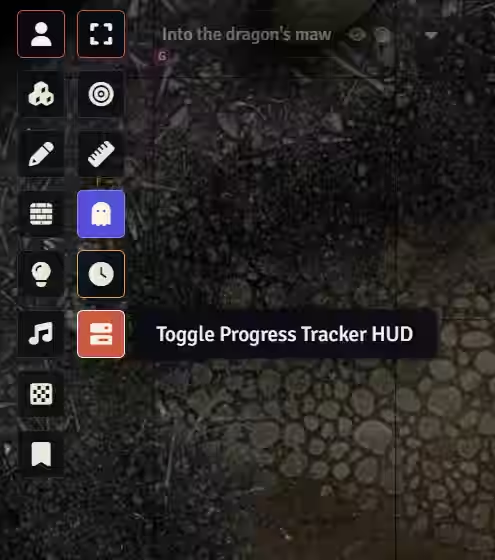
- For the GM, a dedicated HUD window (with optional frameless lock mode) is accessible from the Scene Controls toolbar.