

This module will make your table far more immersive and interactive for your players.
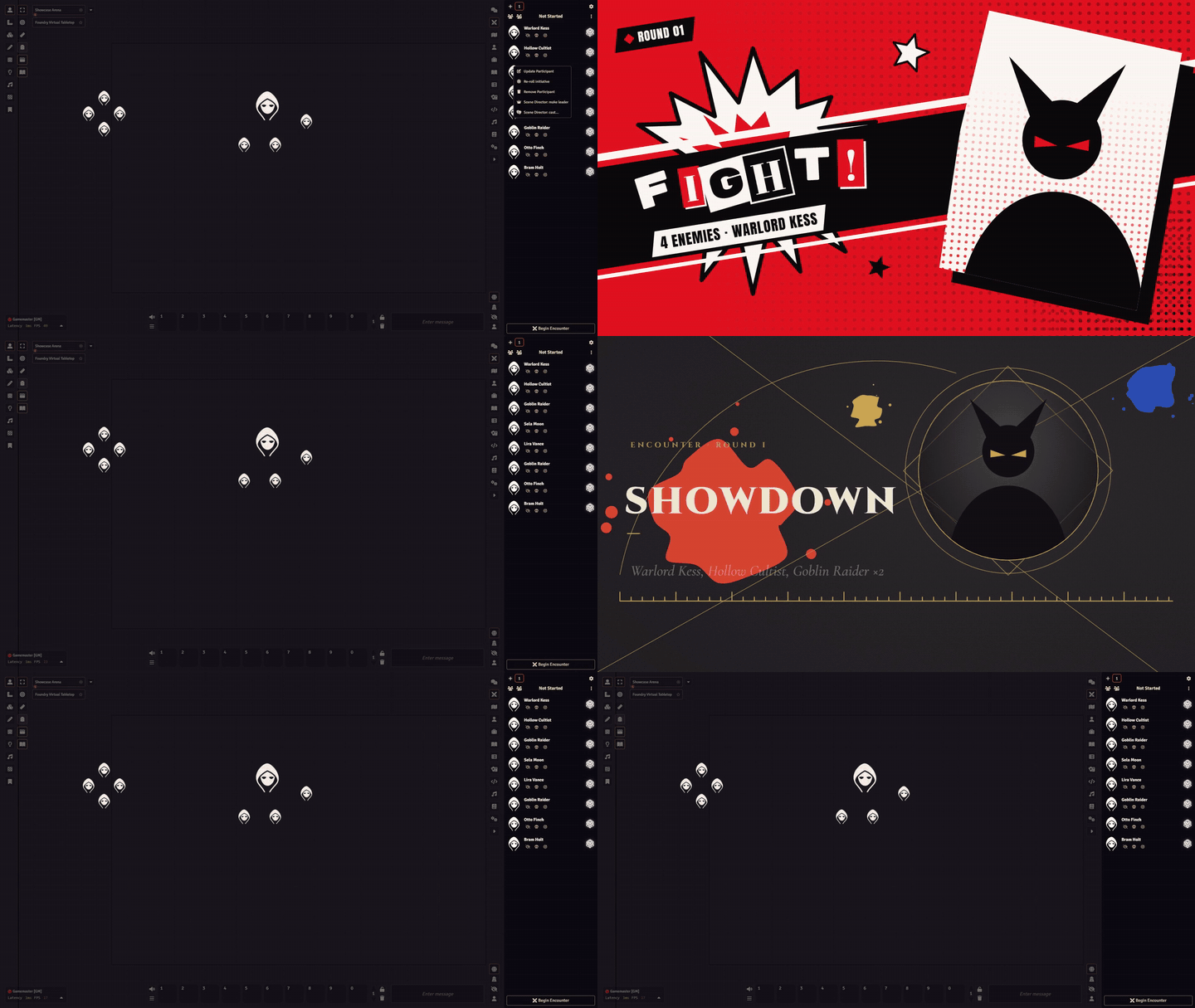
1. Animated opening and combat scenes
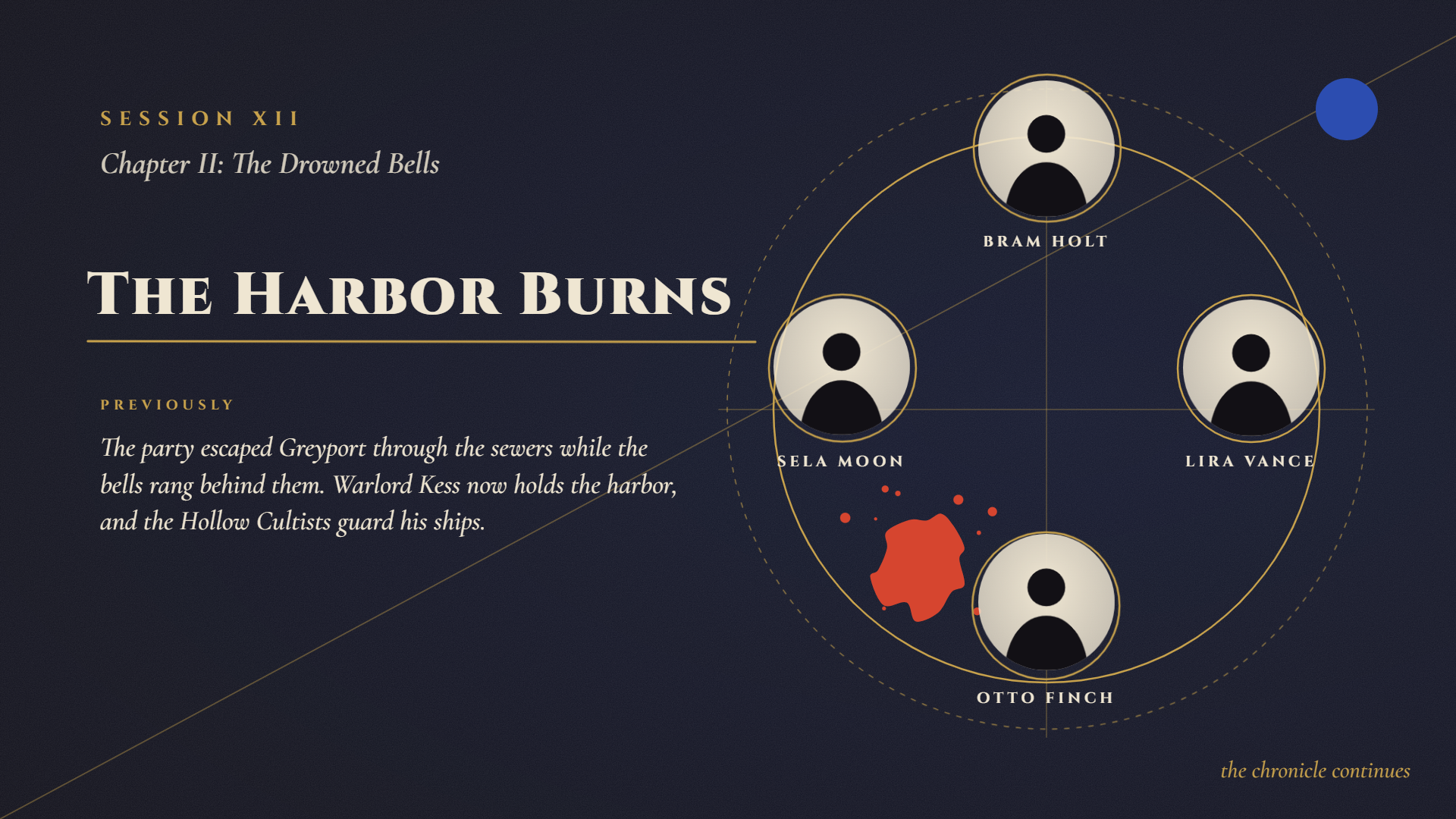
You can set up animated opening and combat scenes to enrich your table, so that a battle against a boss truly feels epic. In this first version there are two art styles, Rebel and Chronicle. They are completely different styles, suited to different kinds of settings. You can also customize the palette of these styles, changing them completely to fit the kind of table you have planned.
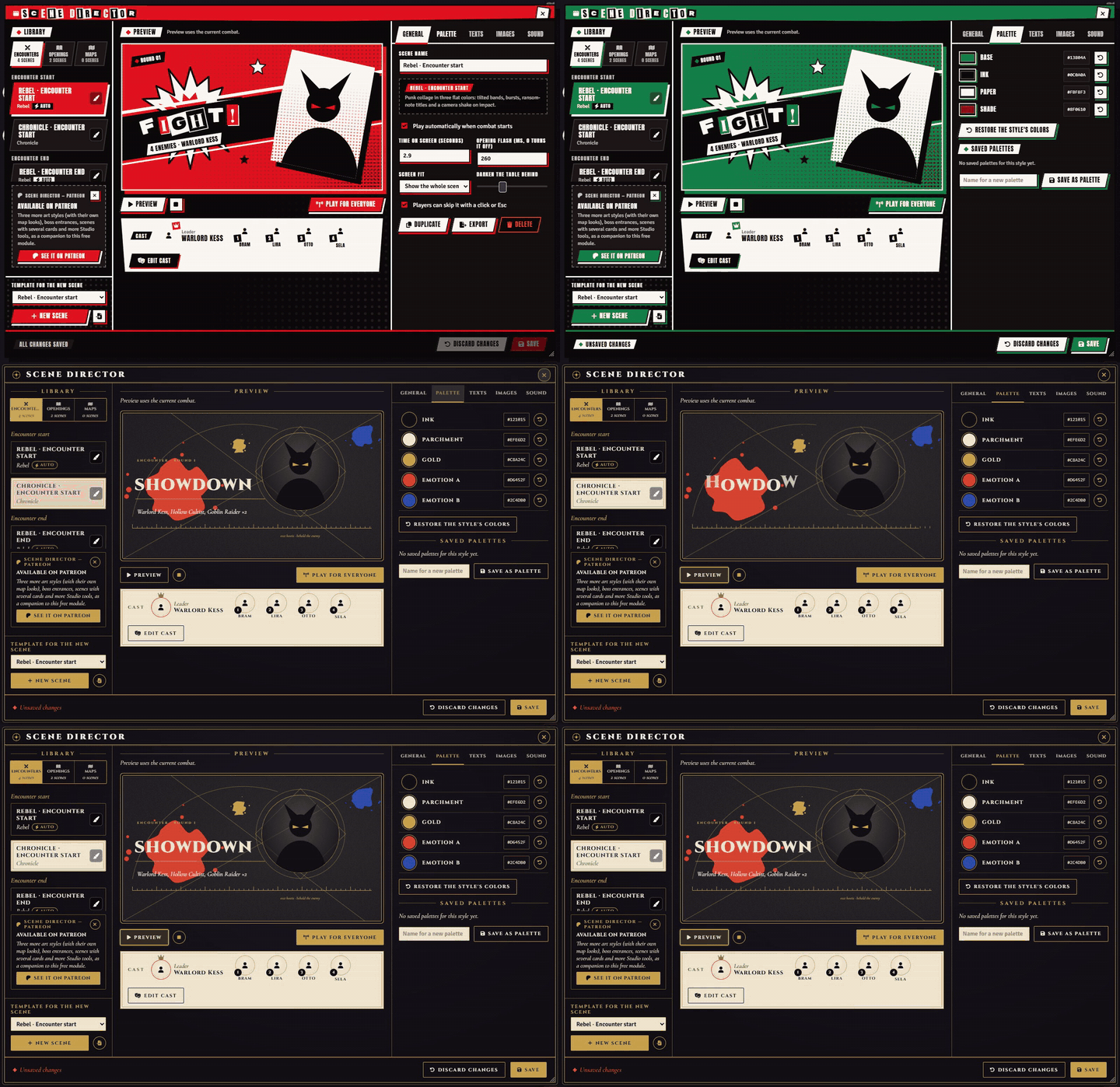
2. Filled in by the combat
In combat scenes everything is filled in: the leader, the enemies, the party, names, the number of enemies and the rounds. Hidden enemies never appear. If you don't have art for your characters or enemies, only a silhouette in the chosen style appears. You can also choose the leader and the party order manually.
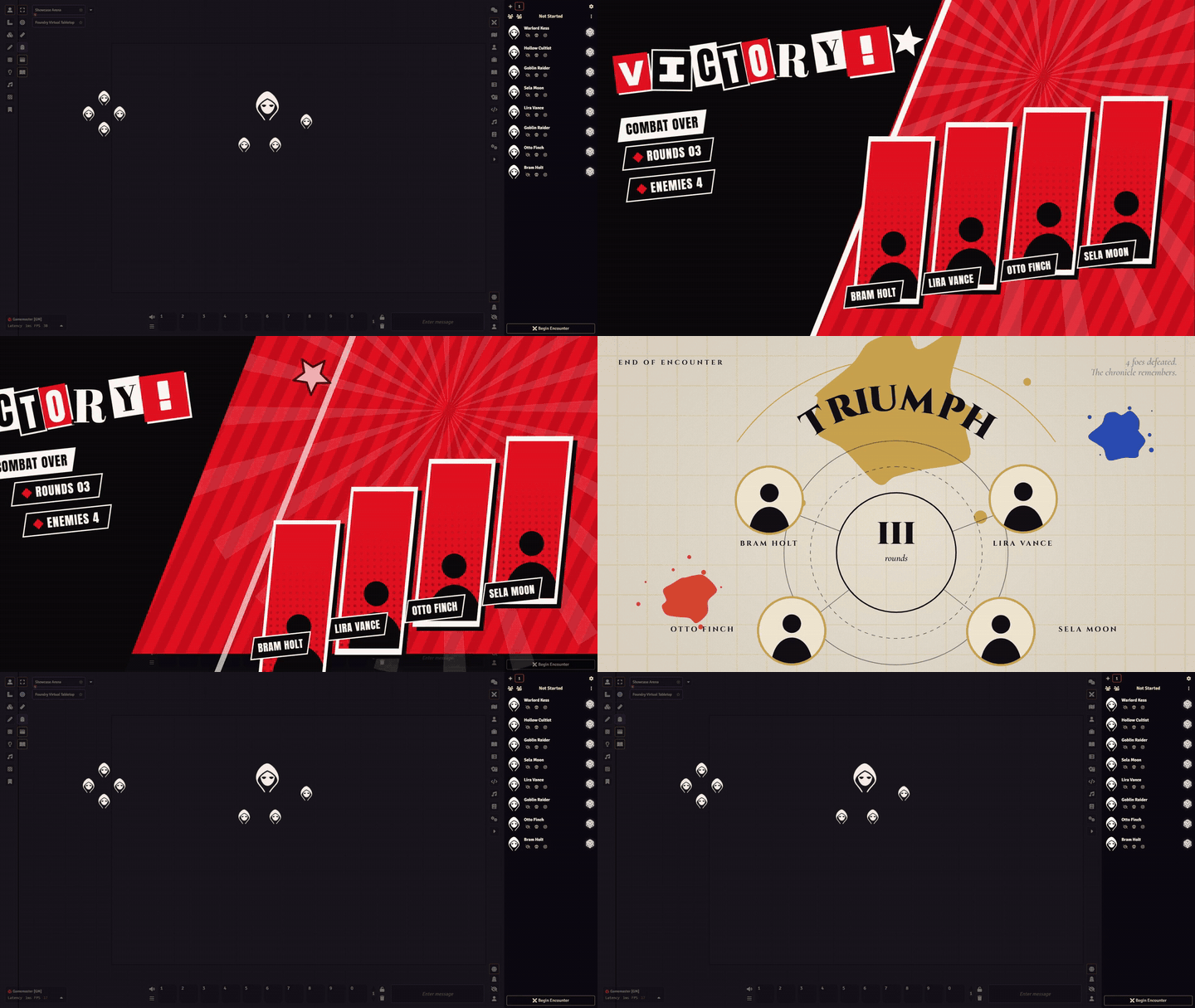
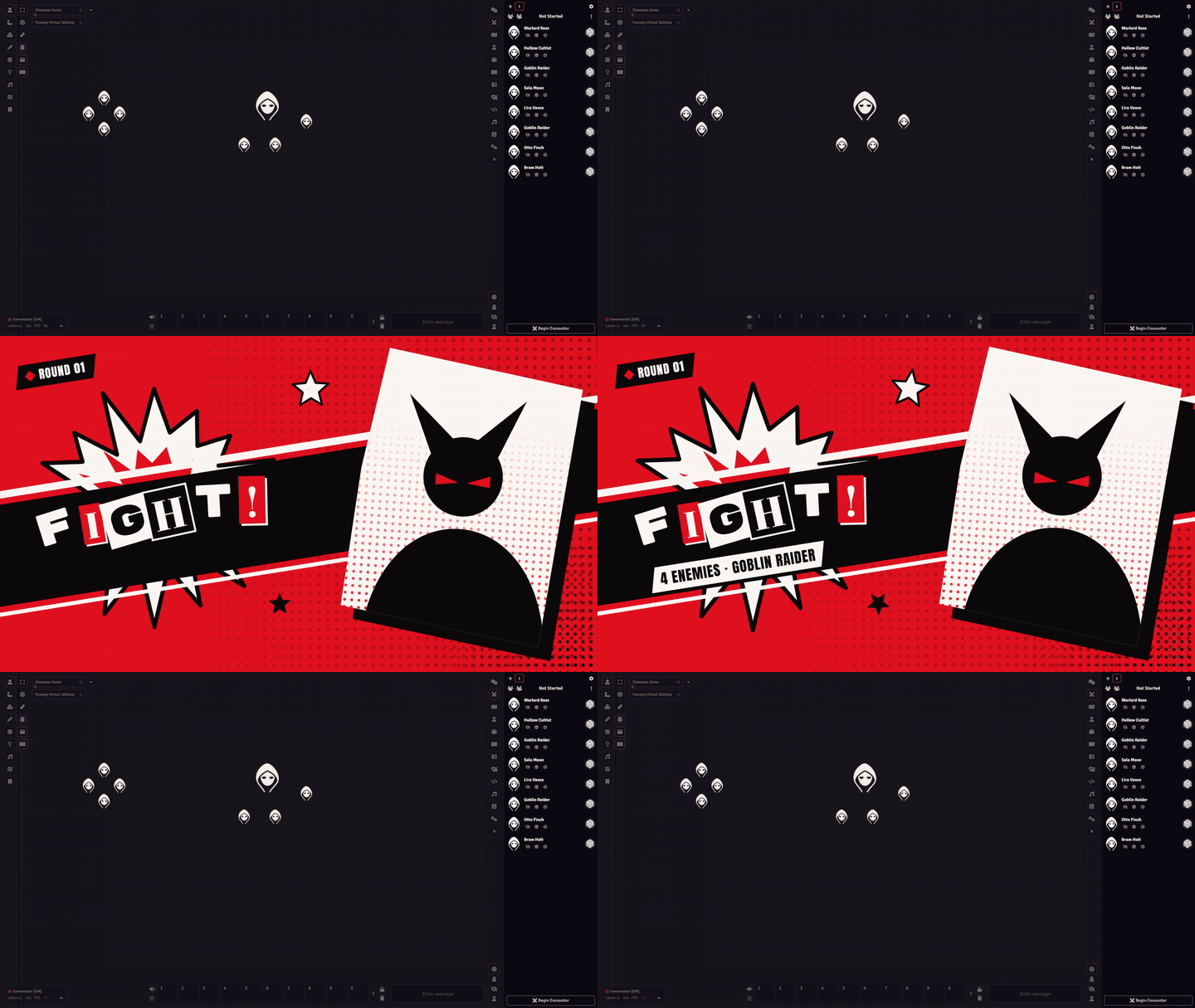
3. Session openings
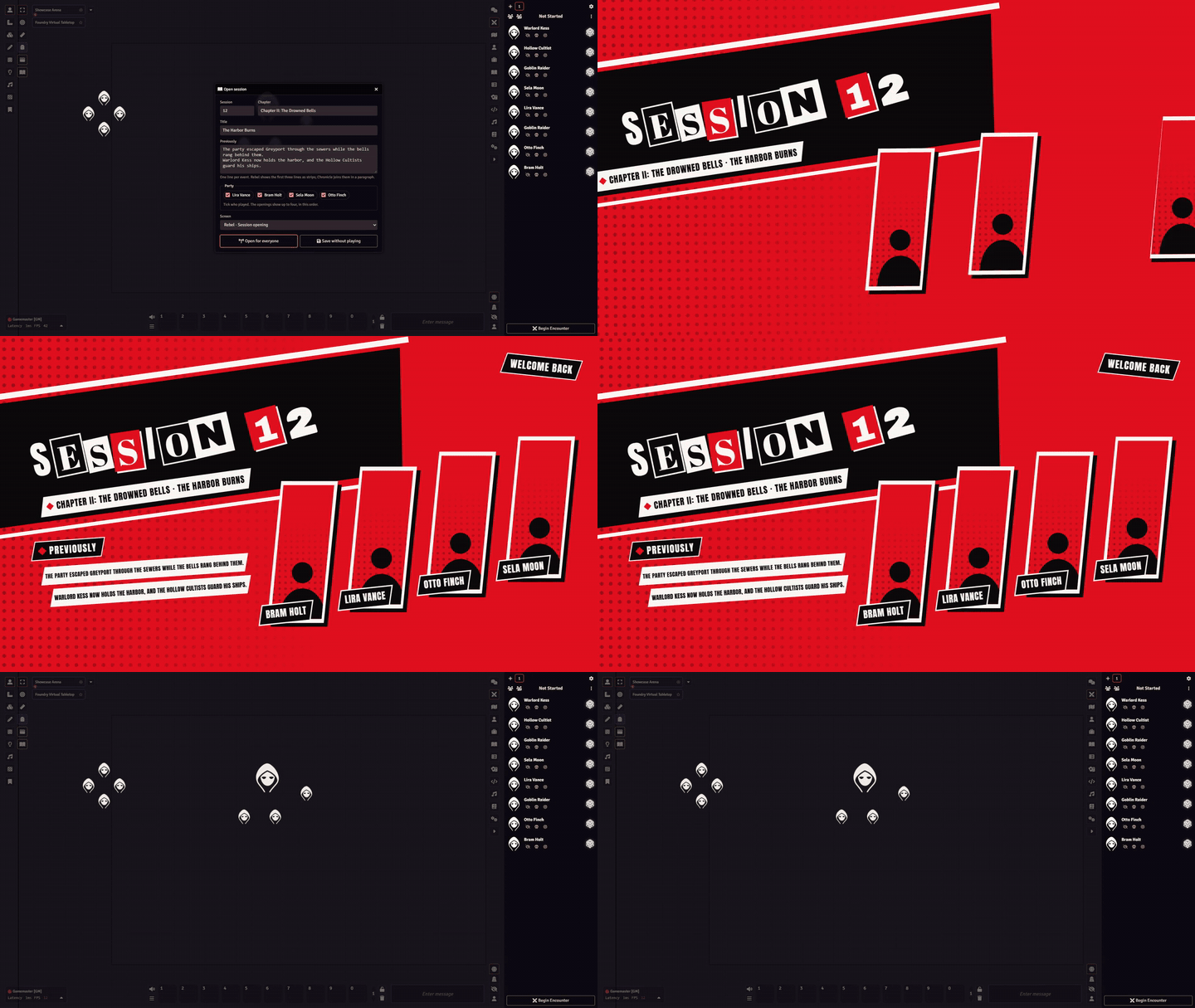
There is also a session opening setup. It shows the session number, the chapter, the title and what happened in the last session (all filled in and customized by you), and the screen appears for the whole group.
4. The Studio
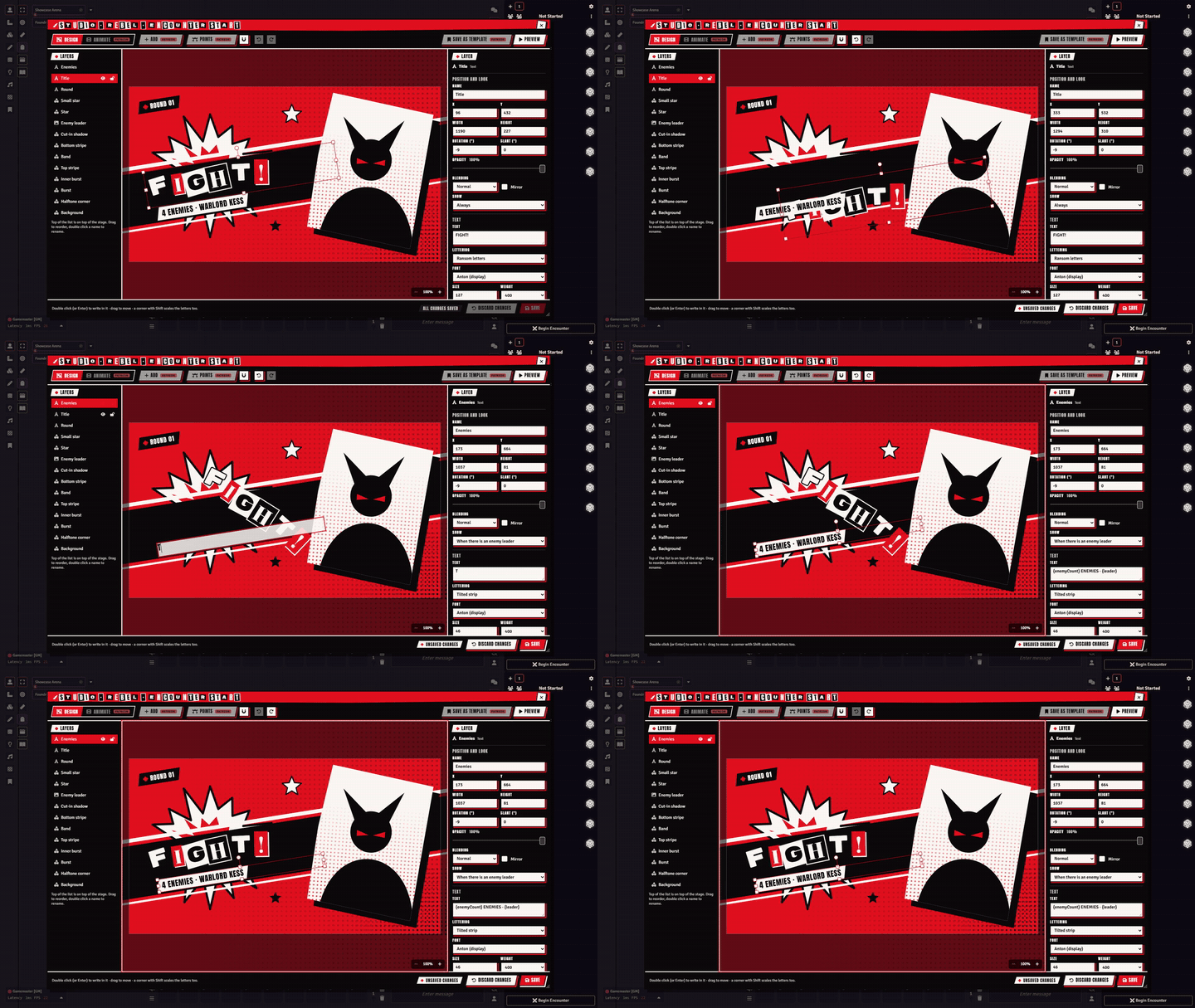
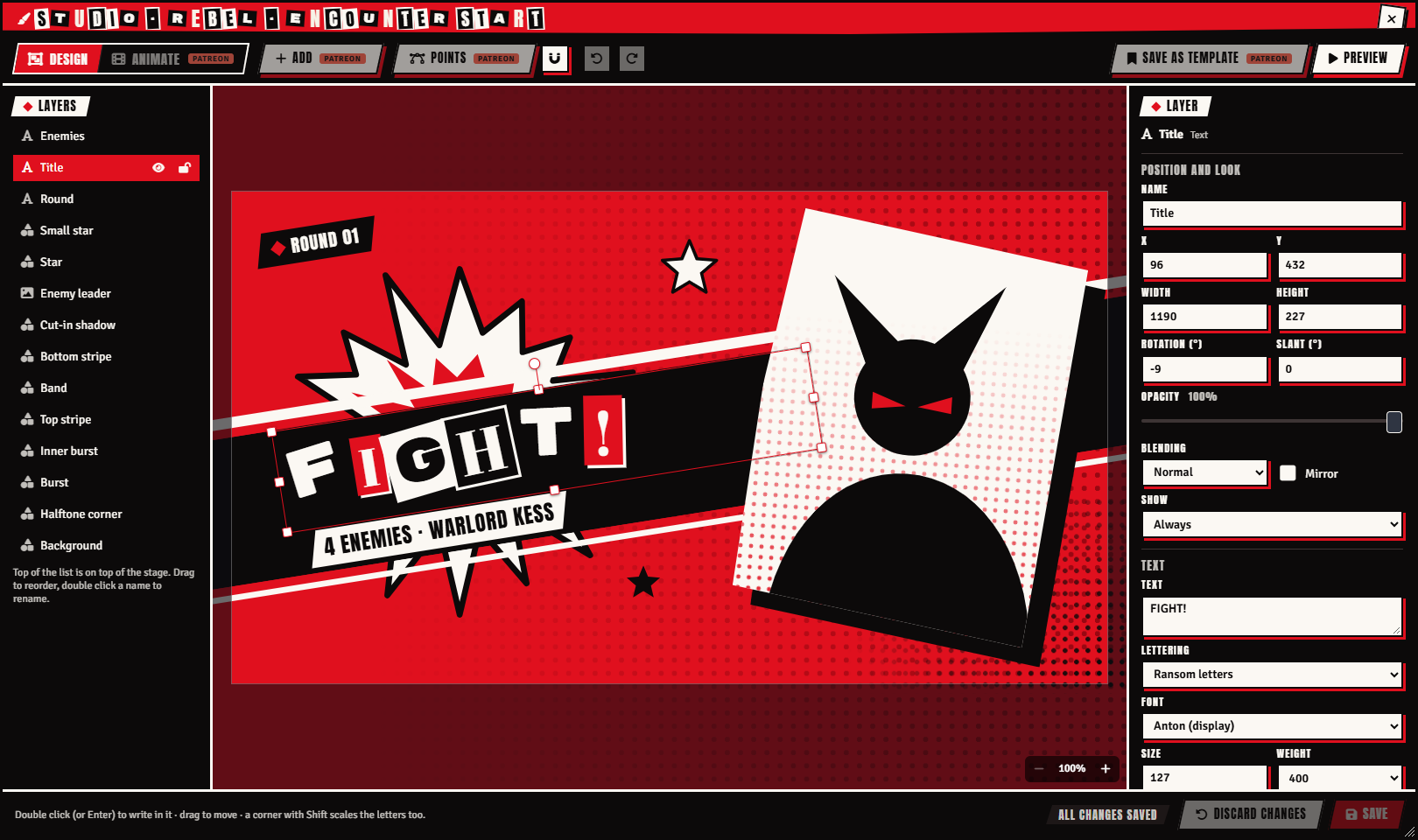
Then there is the Studio, the brush icon next to your scenes. It opens a window where you can move, stretch, rotate and slant the layers on the stage. You can customize how everything fits together, rewrite the texts and preview the result, all in the same place. The Studio.
5. Interactive maps
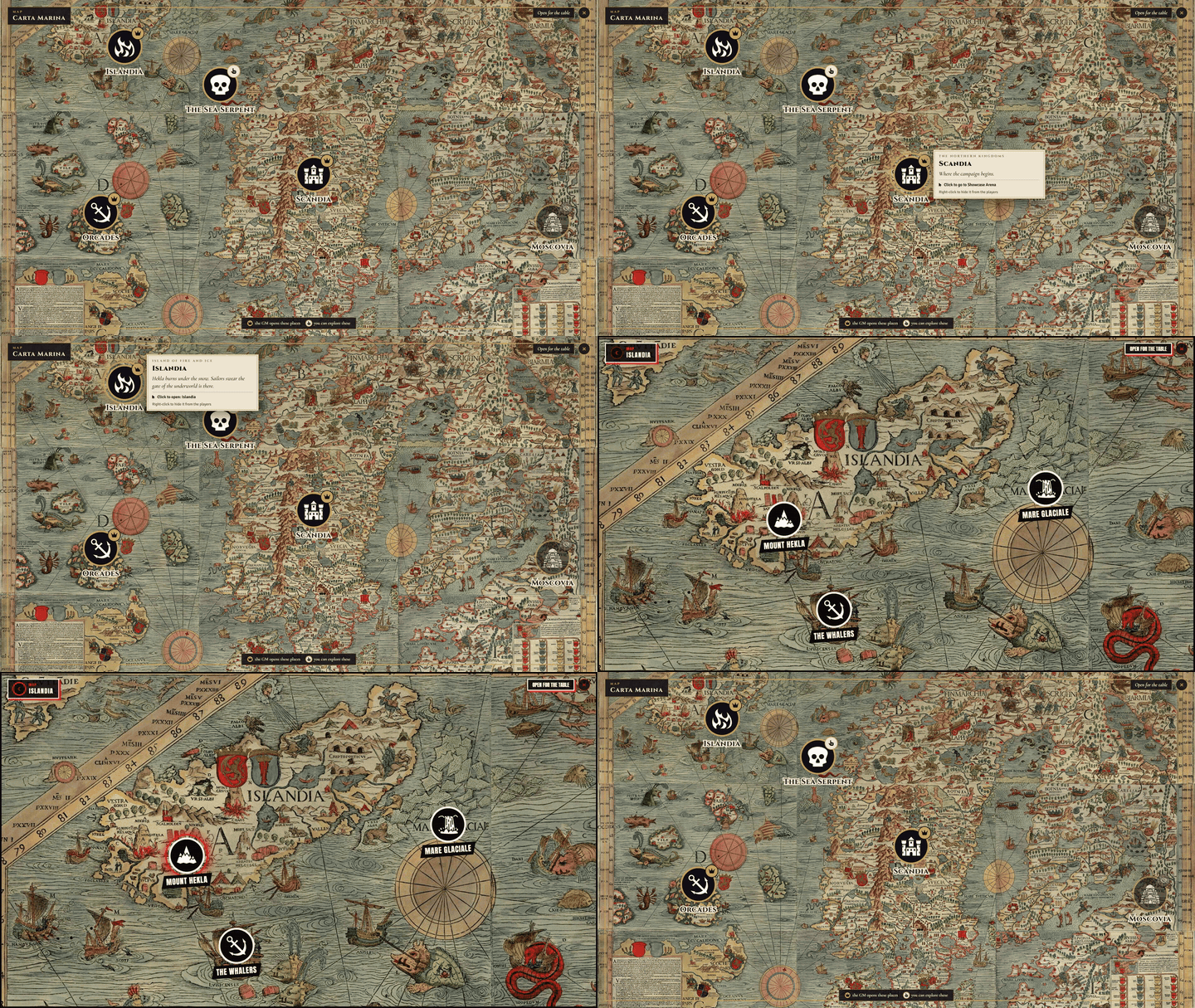
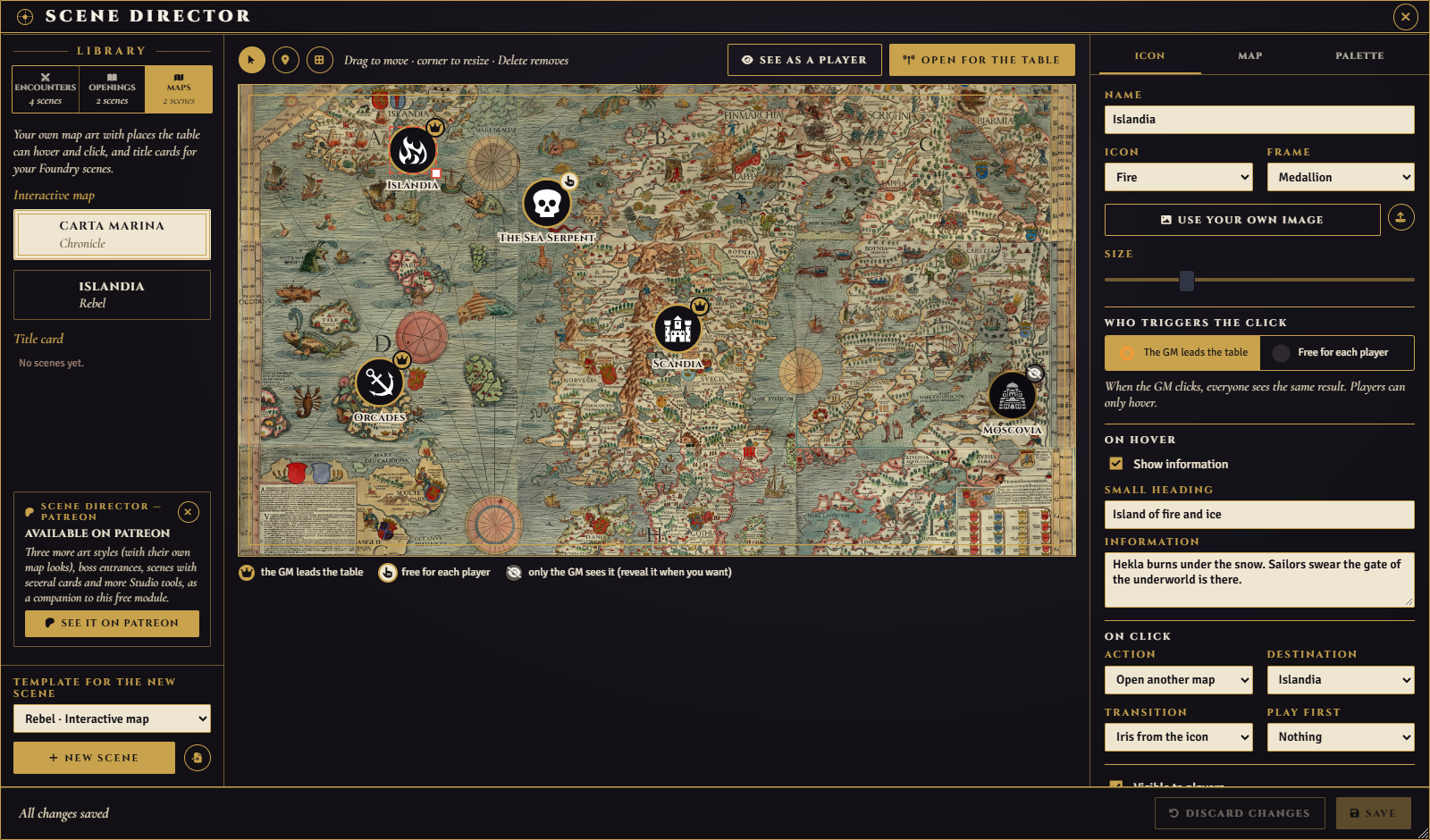
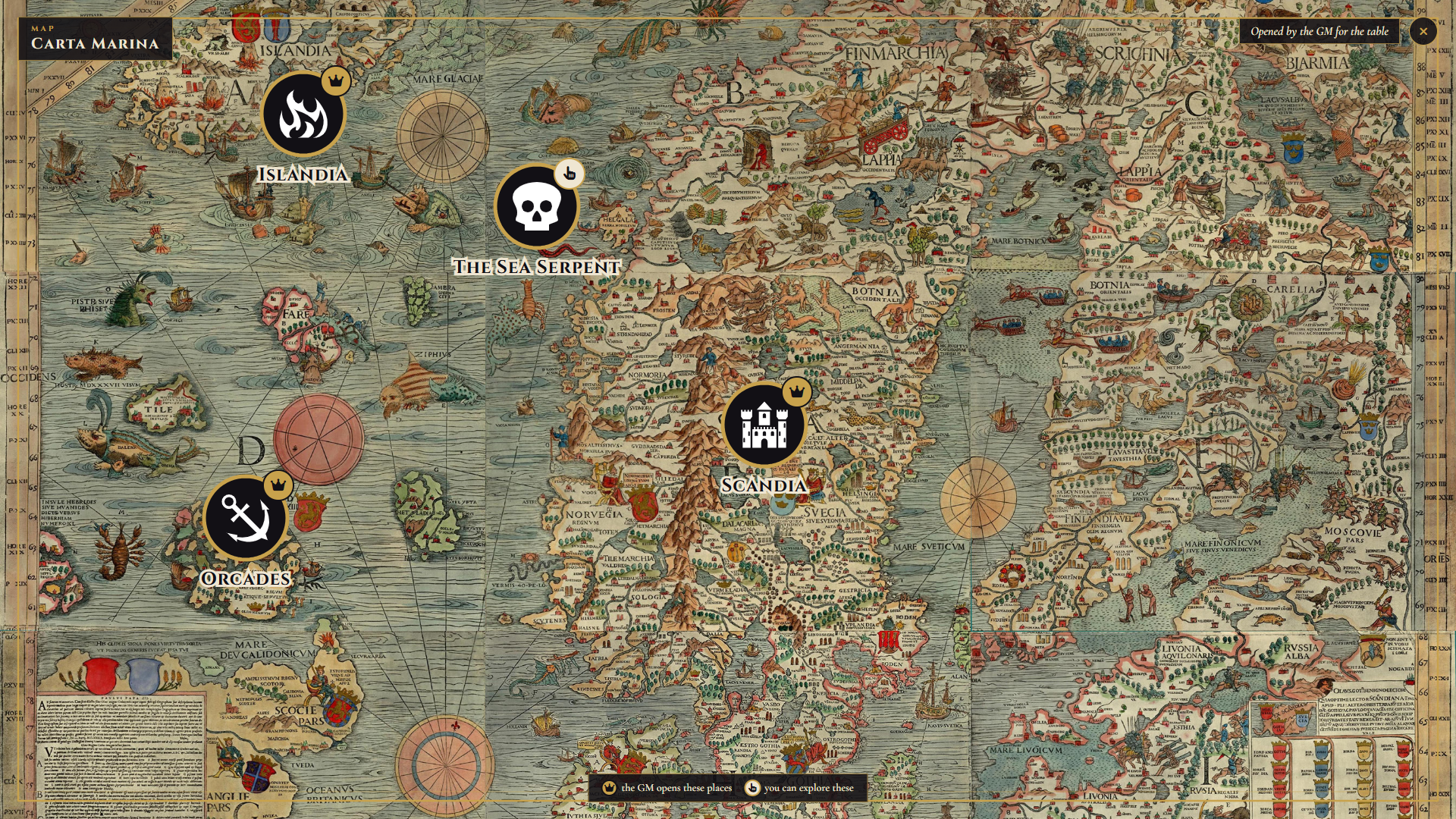
You can also set up your map in a scene and make it fully interactive and independent. Instead of telling your players over and over what each thing on the map is, let them explore and navigate the map on their own. With your permission, they can move to the maps linked to the one you created, and learn more about your world through the interactive icons you set up.
6. Companion module
There is a companion module for supporters, with more custom styles and boss entrances. The free module is complete on its own.
The map in the screenshots and videos is the Carta Marina by Olaus Magnus (1539), a public domain work (Wikimedia Commons). Scene Director does not include any map art: you use your own maps.