Quartermaster
Shared party inventory, currency, and GM loot prep for D&D 5e.
☕ Enjoying Quartermaster? Support me on Ko-fi.
Quartermaster is a persistent party-state ledger: one shared vault for what the party owns, the currencies and resources it manages, and a clear history of every change. It replaces scattered character-sheet notes and spreadsheets with a focused workflow built for long-running campaigns.
Verified with Foundry VTT 14.369 and D&D 5e 6.0.6. Screenshots below show v0.1.12 with illustrative demo data. Click any image to view it at full size.
Use it alongside a world-loot module such as Item Piles: Item Piles handles treasure on the map, while Quartermaster keeps the party's lasting inventory, currency, and history organized.
🎒 The Shared Party Vault
Give every player a live inventory window from the sidebar. Drag items between character sheets and the vault, double-click to inspect them, and sort by name, type, loot status, or a custom manual order. Track capacity, item values, and optional currency weight while each player keeps their own display preferences.
Drag items from the vault or GM Loot Prep directly onto a player-character entry in the Actors directory. You can also drop items anywhere on a character sheet, even when its inventory tab is not active.
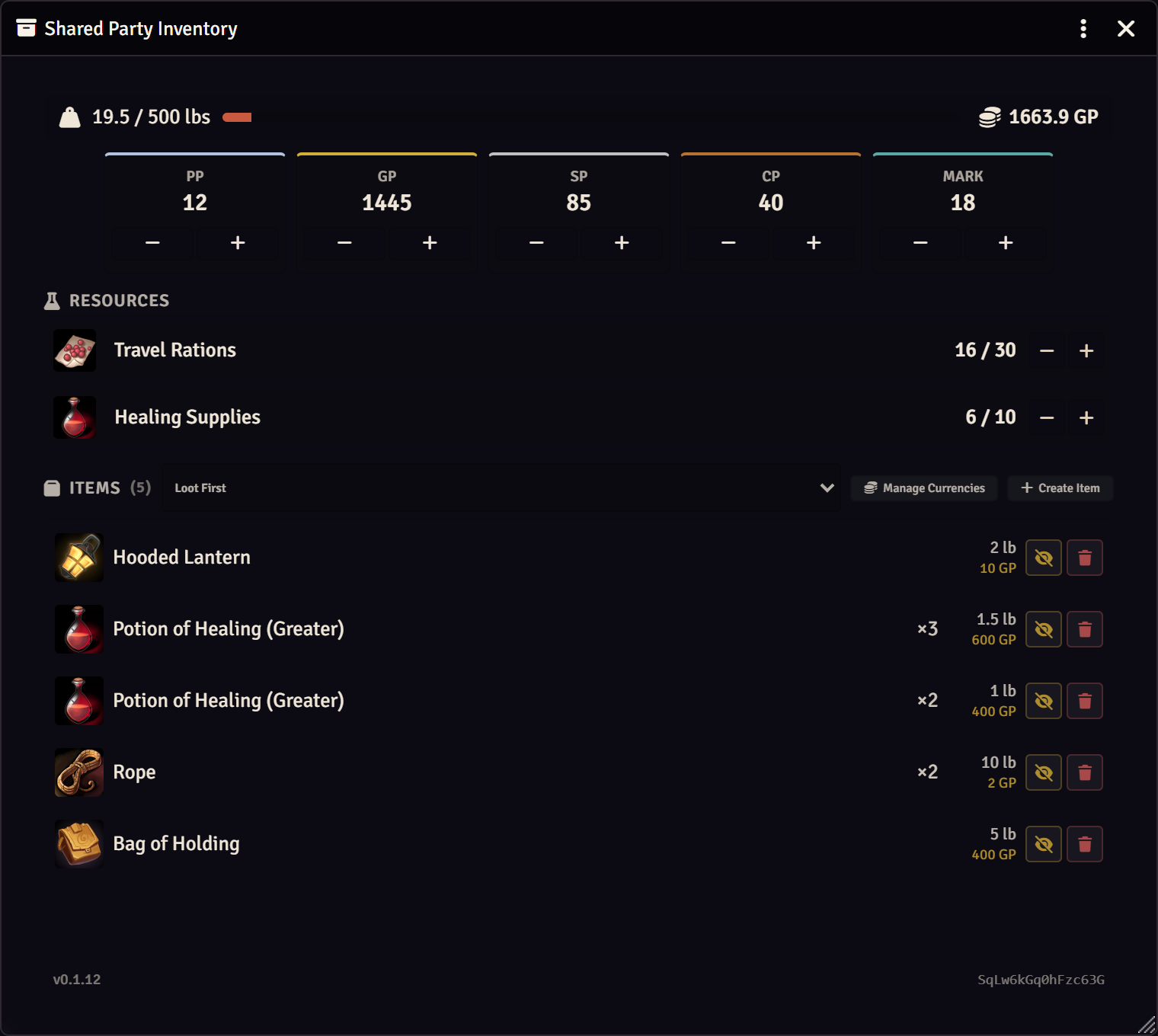
One shared vault for your party’s equipment, currencies, and supplies.
🪙 Flexible Currency Management
Manage PP, GP, EP, SP, and CP plus unlimited GM-defined custom currencies. Choose any convertible built-in or custom currency as the fixed reference currency, then configure the value of every other currency relative to it. Changing the reference automatically rebases existing rates and approval thresholds while preserving their established economic relationships.
Each currency can have its own name, short label, decimal balance, visibility setting, optional conversion value, and tile image. Custom currencies can also be assigned an optional per-unit weight, while built-in currencies remain fixed at 50 coins per pound. Currency weight is only applied when the Currency Counts Toward Weight setting is enabled.
Stage currency in Loot Prep, reveal it directly into the shared balance, and use free, threshold-based, or required GM approval for changes.
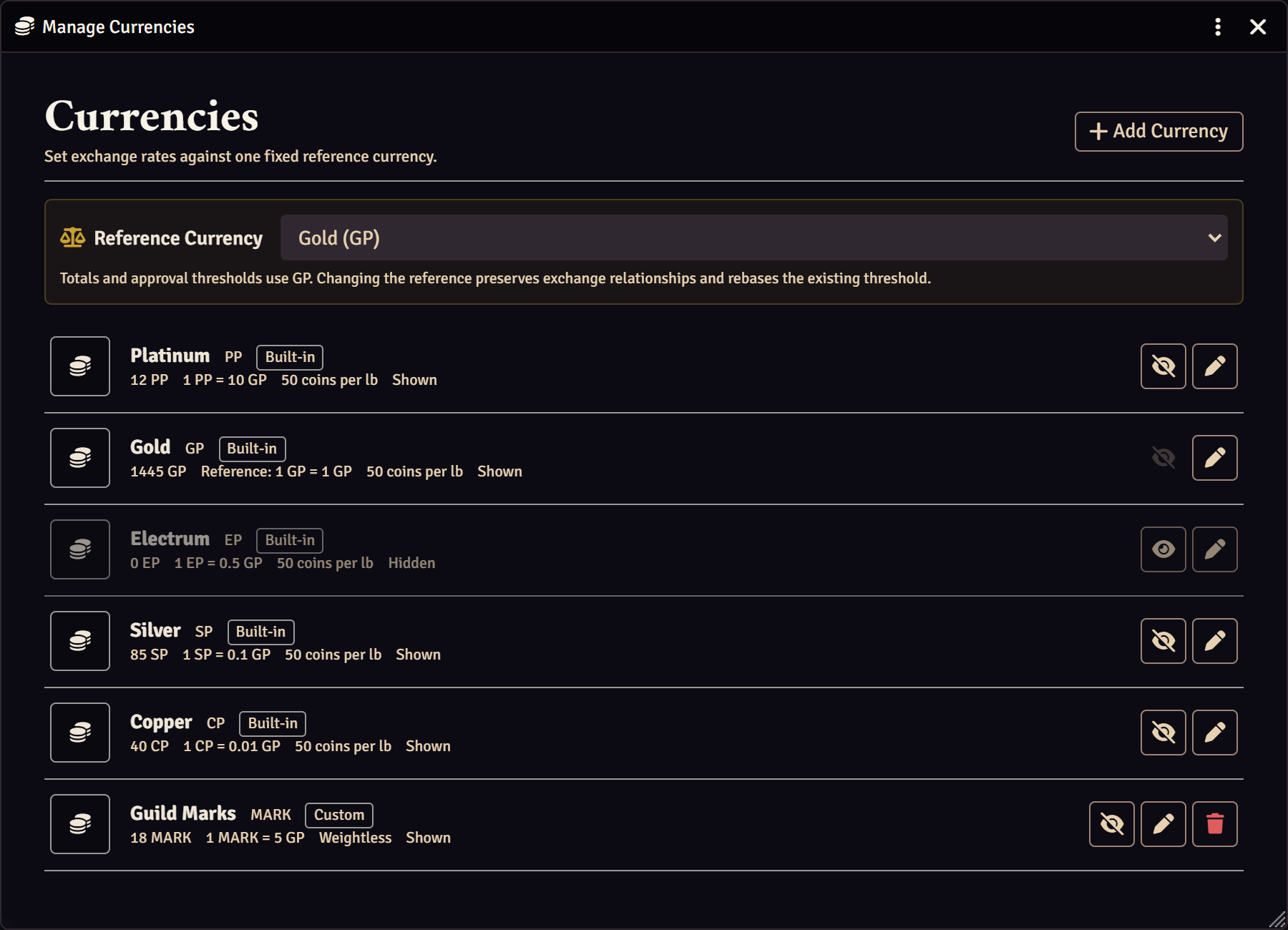
Use standard coins, create custom currencies, and set the exchange rates that fit your world.
📦 GM Loot Prep
Prepare hidden treasure for encounters, locations, merchants, or quest rewards. Organize items into folders, collapse completed or inactive hoards to keep large lists manageable, stage built-in or custom-currency payouts, import from compendiums, then reveal one item, a selection, or an entire hoard when the moment is right. Shift+click reveal posts a chat announcement.
Add notes to folders or individual items to record where treasure is found or provide other GM reminders. Folder notes automatically apply to every item in that folder, while individual item notes take precedence. Notes can be added through the right-click menu, and existing folder notes can also be edited by clicking their green note icon.
Currency management can be opened directly from GM Loot Prep for quick access while preparing rewards.
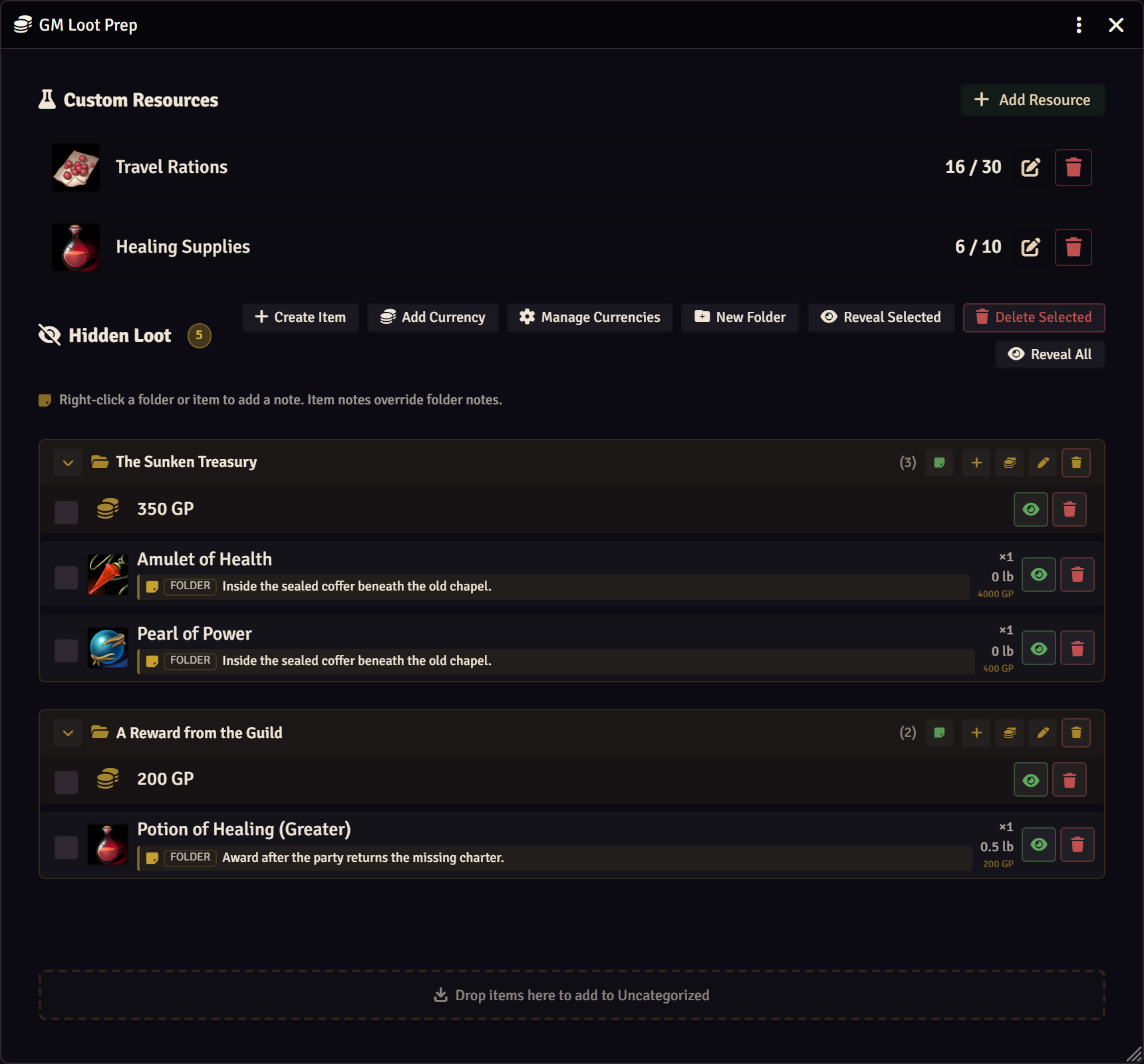
Prepare treasure by encounter, keep your notes with it, and reveal rewards when the party earns them.
📋 Transaction Log
Transfers, currency changes, and resource changes are recorded automatically. Search and filter the log, view related entries grouped by operation, and trace who did what when the party asks where something went.
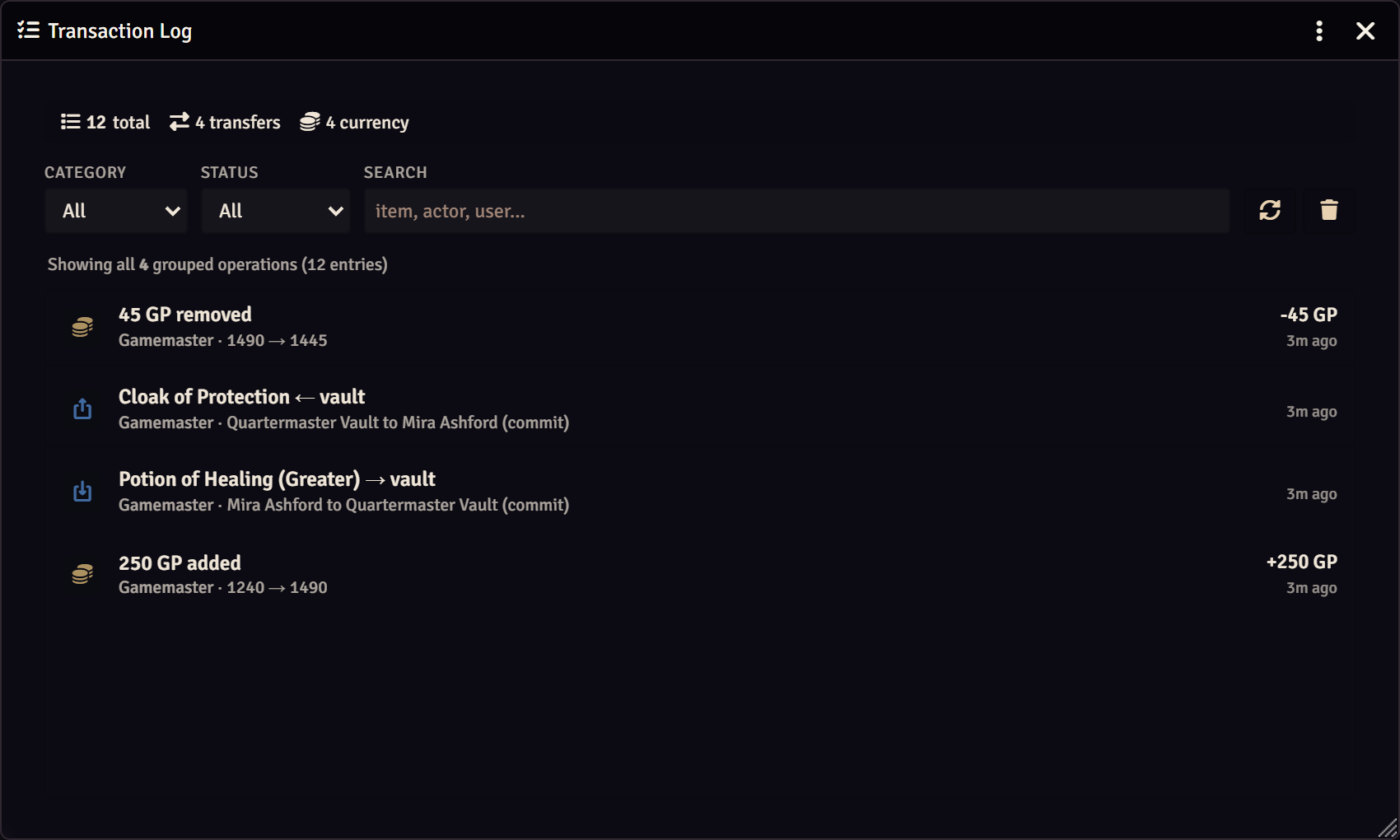
Follow the history of transfers and spending without searching through chat.
⚔️ More Ways to Fit Your Table
- 🎯 Custom resource counters. Track ammunition, rations, charges, supplies, or any other party resource.
- 🛠️ Configurable presentation. Rename the vault, customize its sidebar button, add a subtle watermark, hide item prices from players, or place an optional GM-only scene shortcut token.
- 📚 Compendium integration. Send items straight from compendiums to the party vault or GM staging.
- ✅ Friendly integrations. Compatible with Tidy 5e Sheets and designed to coexist cleanly with Item Piles.
⚠️ Quartermaster replaces fvtt-party-resources. Uninstall it before enabling Quartermaster.
📦 v0.1.12 | ✅ Foundry VTT v13–v14 (verified on v14.369) | 🎲 dnd5e 5.0.0+ (verified on 6.0.6) | 🛠️ Active development | 🐛 Bug reports & feedback
D&D 5e 6.x requires Foundry VTT 14.367 or newer. Quartermaster remains focused on D&D 5e; system-agnostic development is currently on hold.