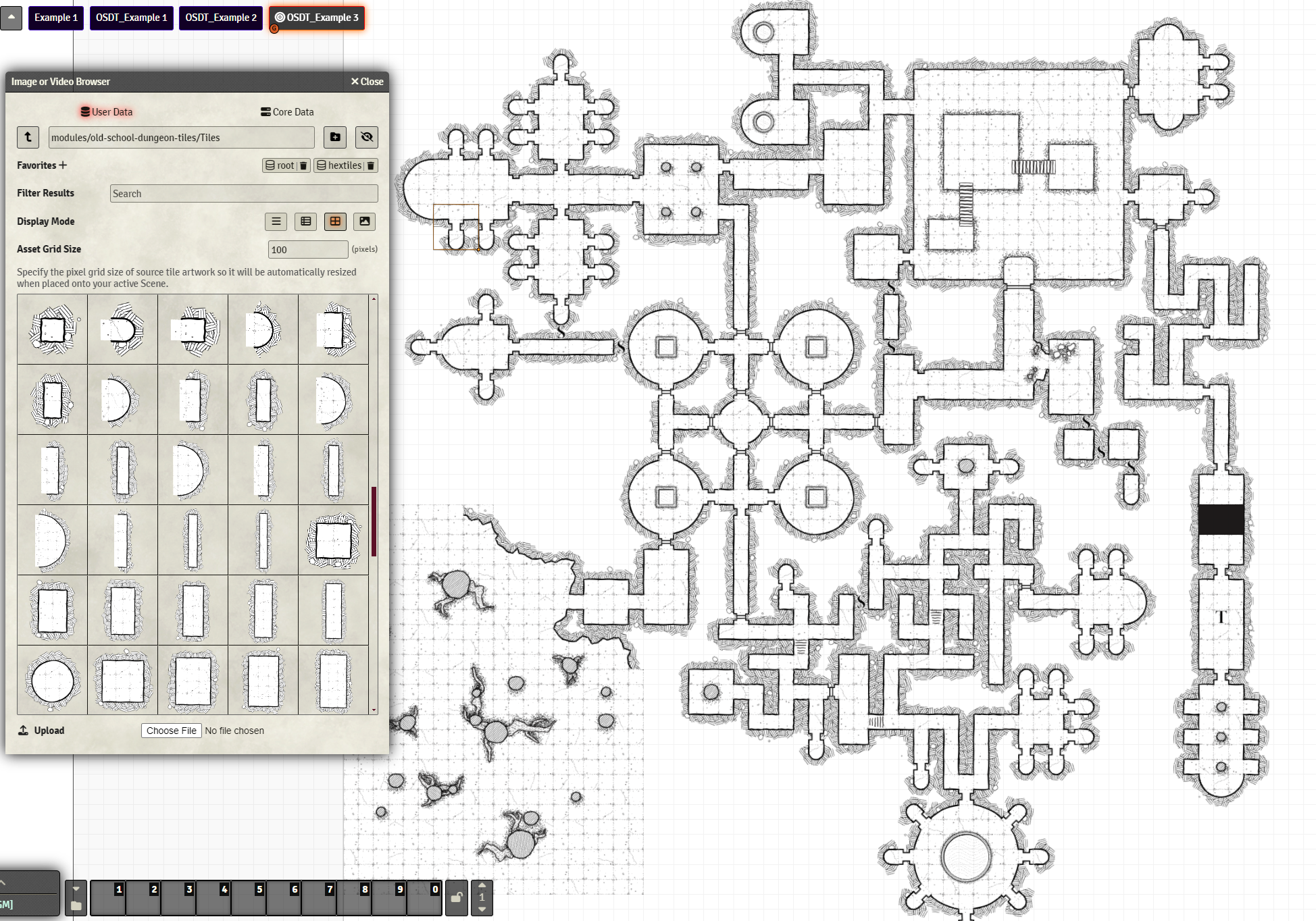
These modular dungeon tiles are designed to snap together to create hand drawn looking dungeons on the fly directly in Foundry, without having to use an external drafting programs. They are particularly useful for solo play or for creating the dungeon as the player explore it, room by room.
The tiles are based on the concept that is easier to place room tiles and connecting them rather than have individual tiles for each walls and floor parts.
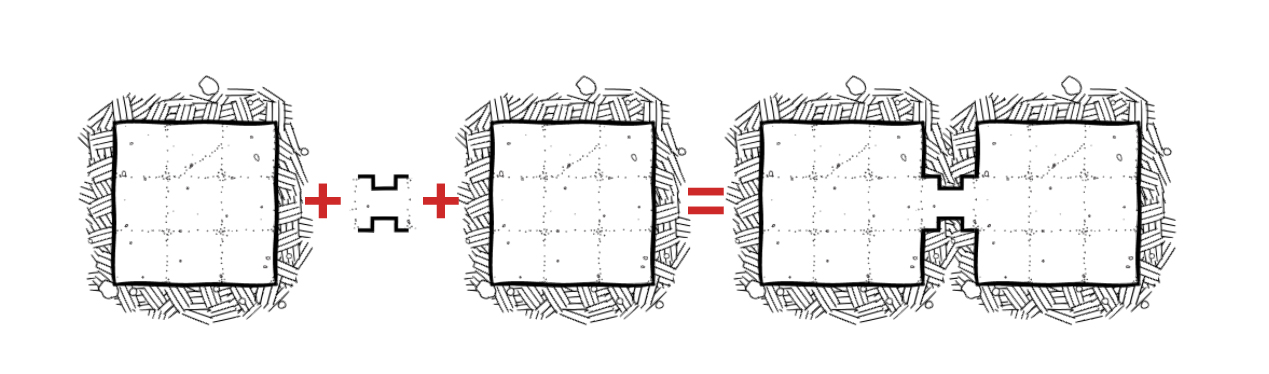
You can still create complex room shapes when needed by combining room endings and openings:
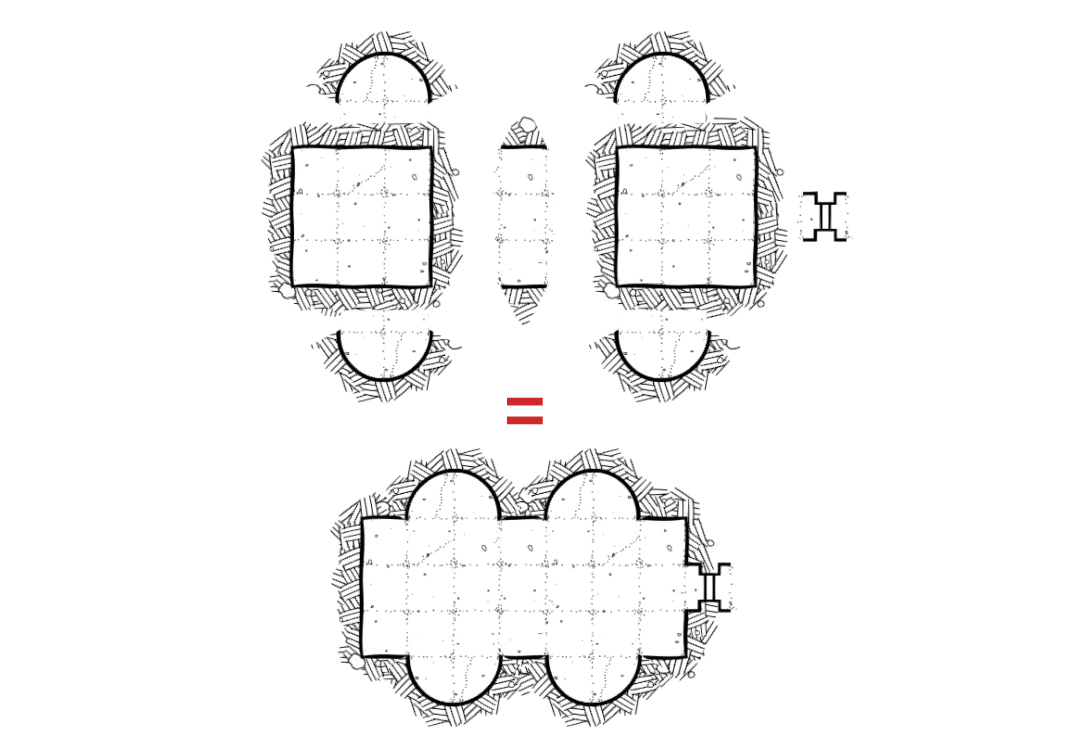
There are currently 191 tiles and the total weight of this pack is 7mb. I expect to update this pack to include more prefab rooms and things like diagonal rooms and corridors. The files are in PNG, the grid size is 100 pixel.
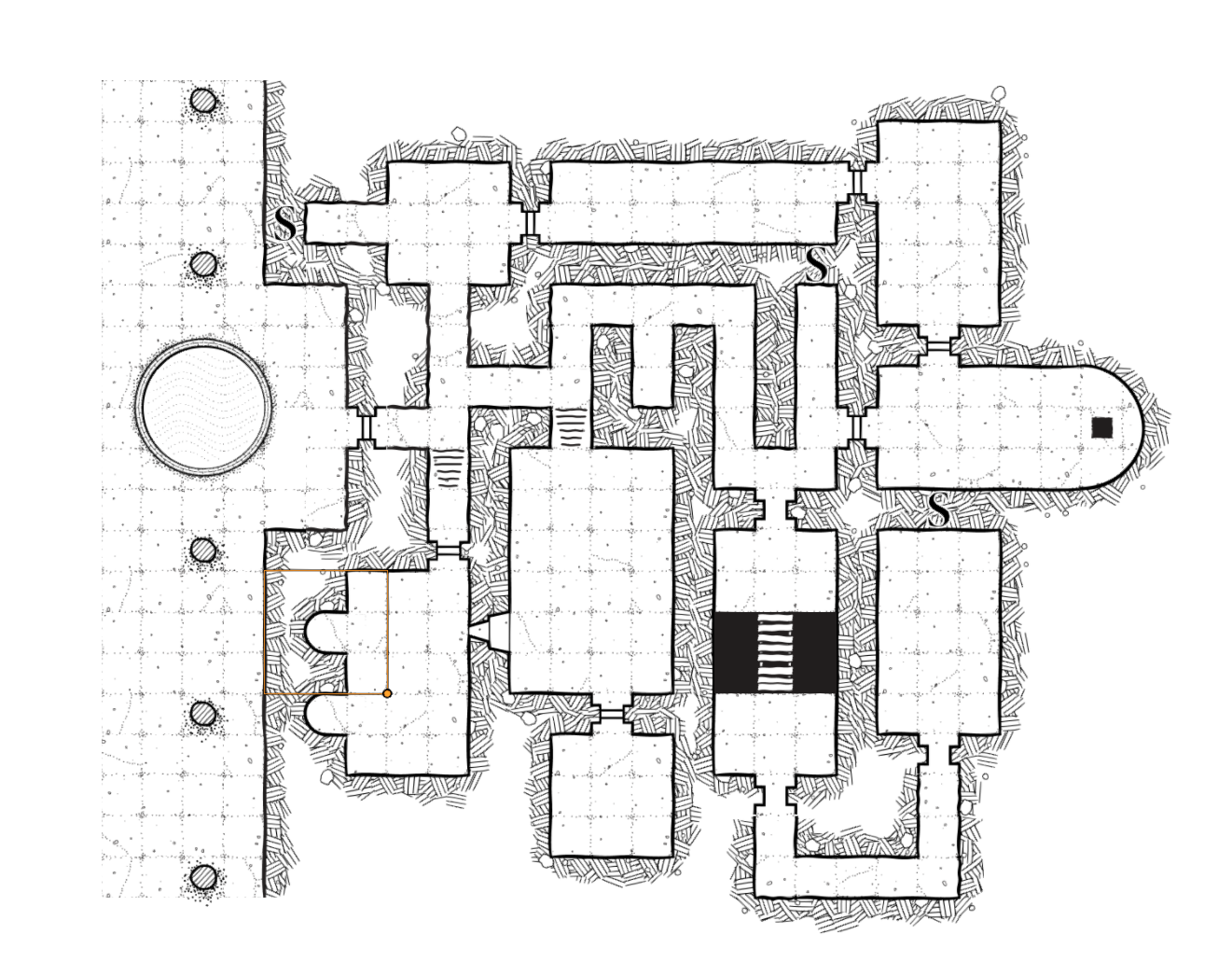
Future updates: More tiles will be added in the future, along with example scenes, caves and diagonal attachments will probably be next, along with more premade rooms.
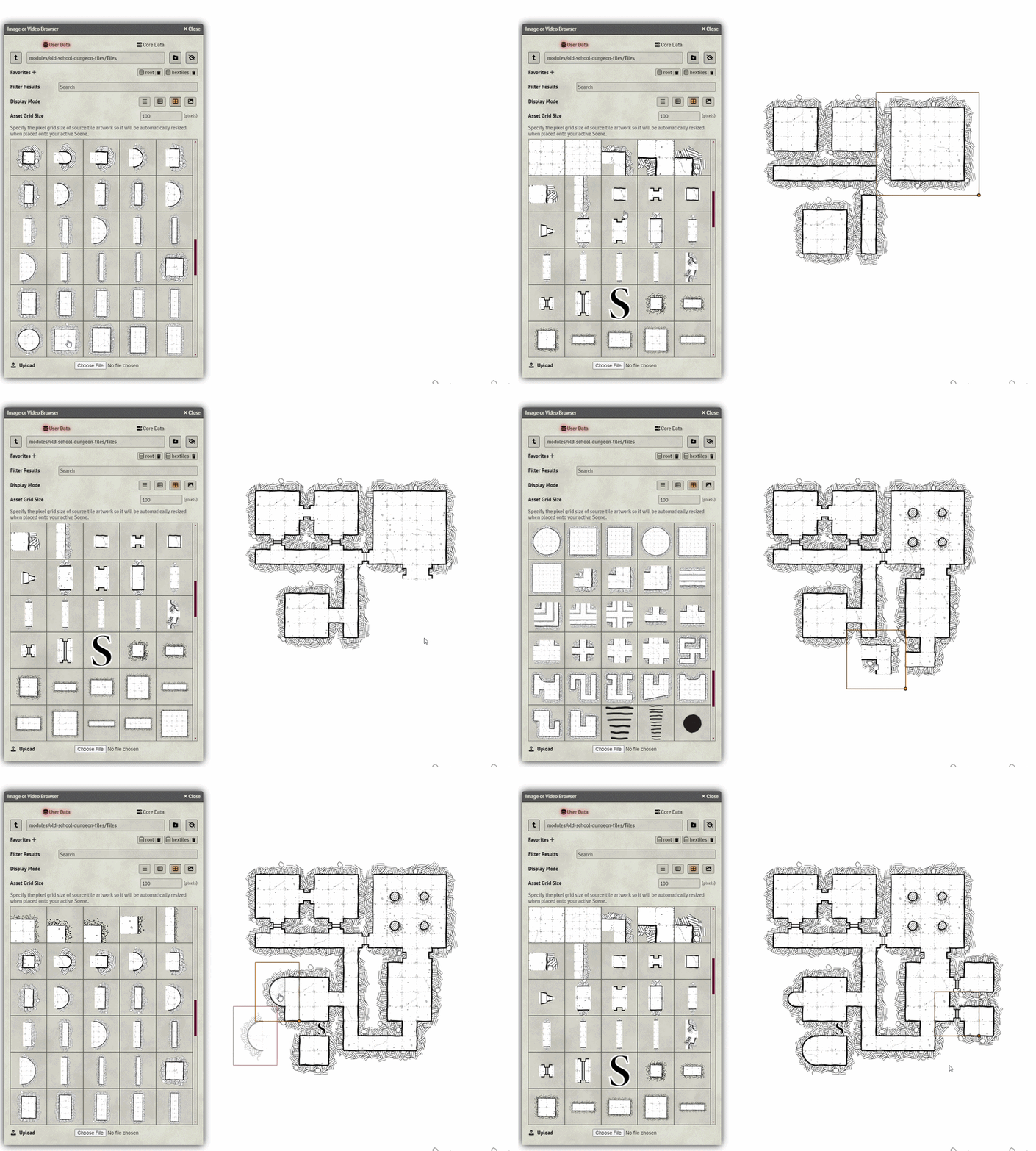
Use:
- Use the tile browser to navigate to modules>old school dungeon tiles> tiles.
- Place the tiles, they will snap together on a 100 size grid.
Tips:
- Place first the rooms when designing and then the connections, so they will be in the correct z order.
- Right click a tile to change Z order, all connections should be on top of the rooms.
- You can use the modular tiles for creating extra large rooms, check the example scenes for reference.
Recent updates:
- Added thin wall tiles
- Added water puddles
- Added star symbols
