Bridges Daggerheart monster attacks to Automated Animations.
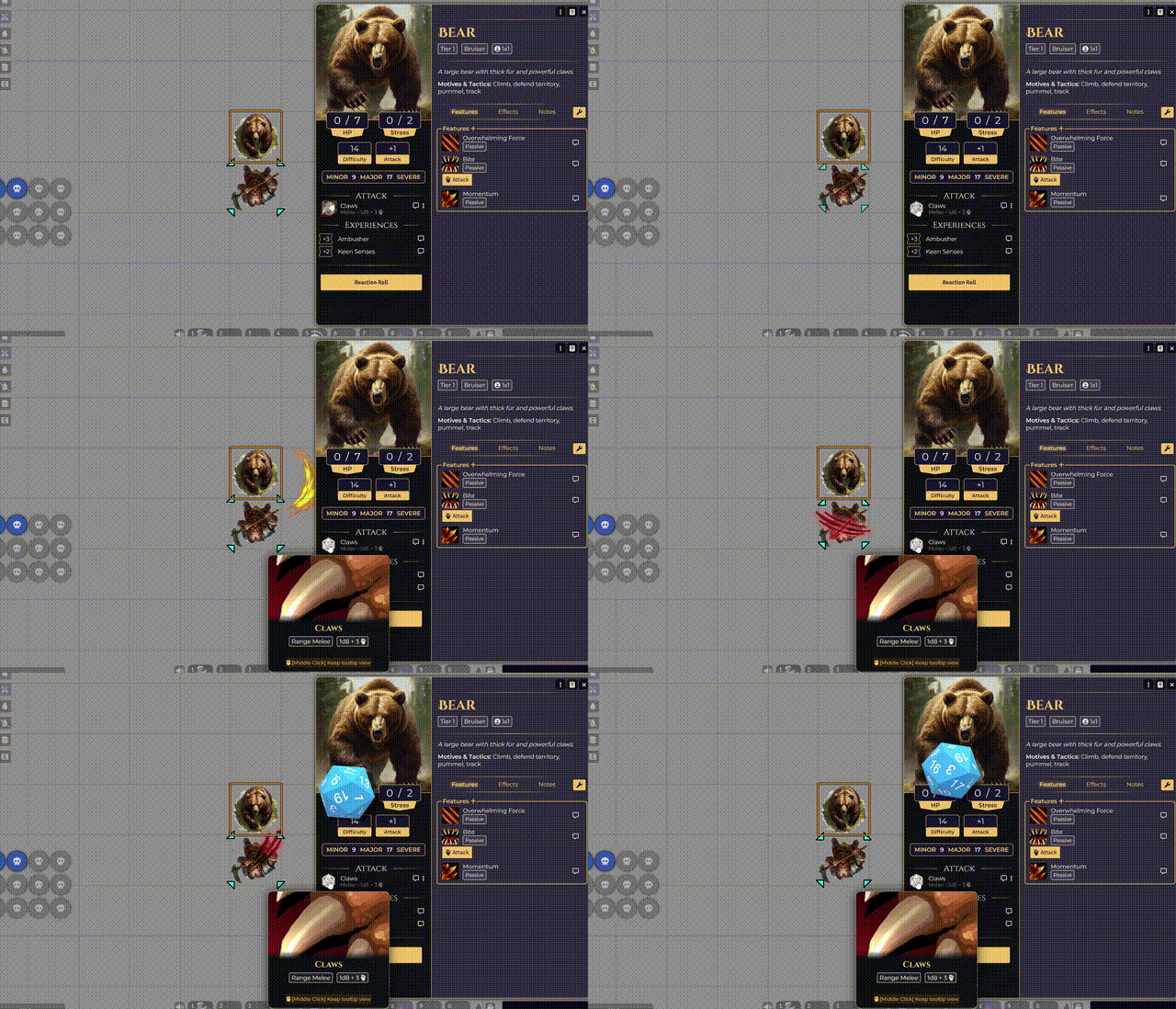
Most Daggerheart monster attacks (Claws, Bite, Slam) aren't real Items in Foundry - they're text entries on the sheet. Automated Animations can't detect them because no item hook fires during the roll. This module constructs a temporary weapon during the attack, enabling combat VFX and visual effects for creature actions that would otherwise have no animation.
How it works
- Temporary item construction - when a Daggerheart attack rolls, the module creates a short-lived weapon item matching the attack name. Automated Animations sees the item and fires the corresponding animation.
- Zero configuration - no settings, no mapping UI. Install, enable, and animations work.
- Global Automatch compatible - add attack names (Claws, Bite, Slam) to Automated Animations' Global Automatch list. The module handles the rest.
Setup
- Install Automated Animations and Daggerheart.
- Install this module.
- Open Automated Animations, then Global Automatch, and add entries for common attack names (Claws, Bite, Slam, Melee).
- Roll an attack. Animations fire.
Requirements
- Automated Animations
- Daggerheart system
Links
- GitHub - source, issues, docs.
Part of the Ionrift Module Suite