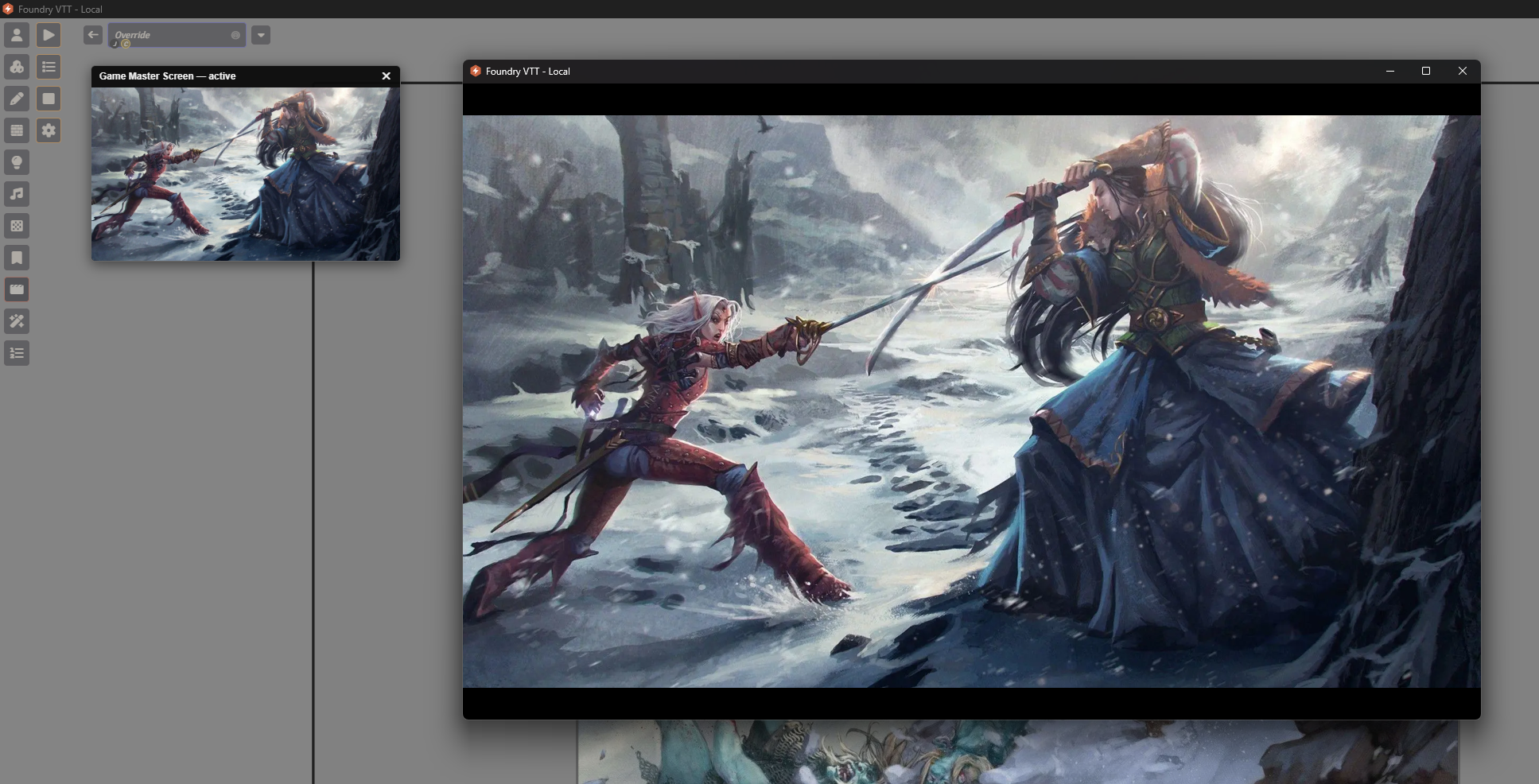
Game Master Screen
Game Master Screen gives GMs a full-screen, player-facing overlay for pauses, intermissions, and scene transitions — with a compact, non-blocking preview pane so triggering it never gets in the way of running the game.
Three ways to trigger
- Manual — a scene-controls toolbar button, fire it anytime
- Trigger Preset — fire any saved preset directly, without touching your global config
- Automatic on Scene Activation — shows whenever a GM activates a scene, using the global config or that scene's own Override
- Scripting/Macro API — exposed API for scripting and macros
Three media modes — Single Image, Image List (rotating, with optional shuffle), or Video — plus a universal audio track, Picture/Video Fit, Loop/Mute/Volume, Duration, and Fade In/Out that apply regardless of mode.
Presets — save, reload, reorder, and manage named configurations, fired instantly from the toolbar or loaded into Settings.
Per-Scene Overrides — every scene's own Configure Sheet gets an Inherit / Override / Disable choice, so individual scenes can use their own media config or opt out of Game Master Screen entirely. Automatically defers if Scene Loading Screens is already configured on that scene.
GM experience — a small, draggable, non-blocking preview pane keeps full canvas access to manage tokens and lighting while players' screens are locked. Any GM account can close it for everyone, including recovering from a crash.
For full documentation and configuration options see the README, and the Visual Guide for a screenshot walkthrough of every screen.