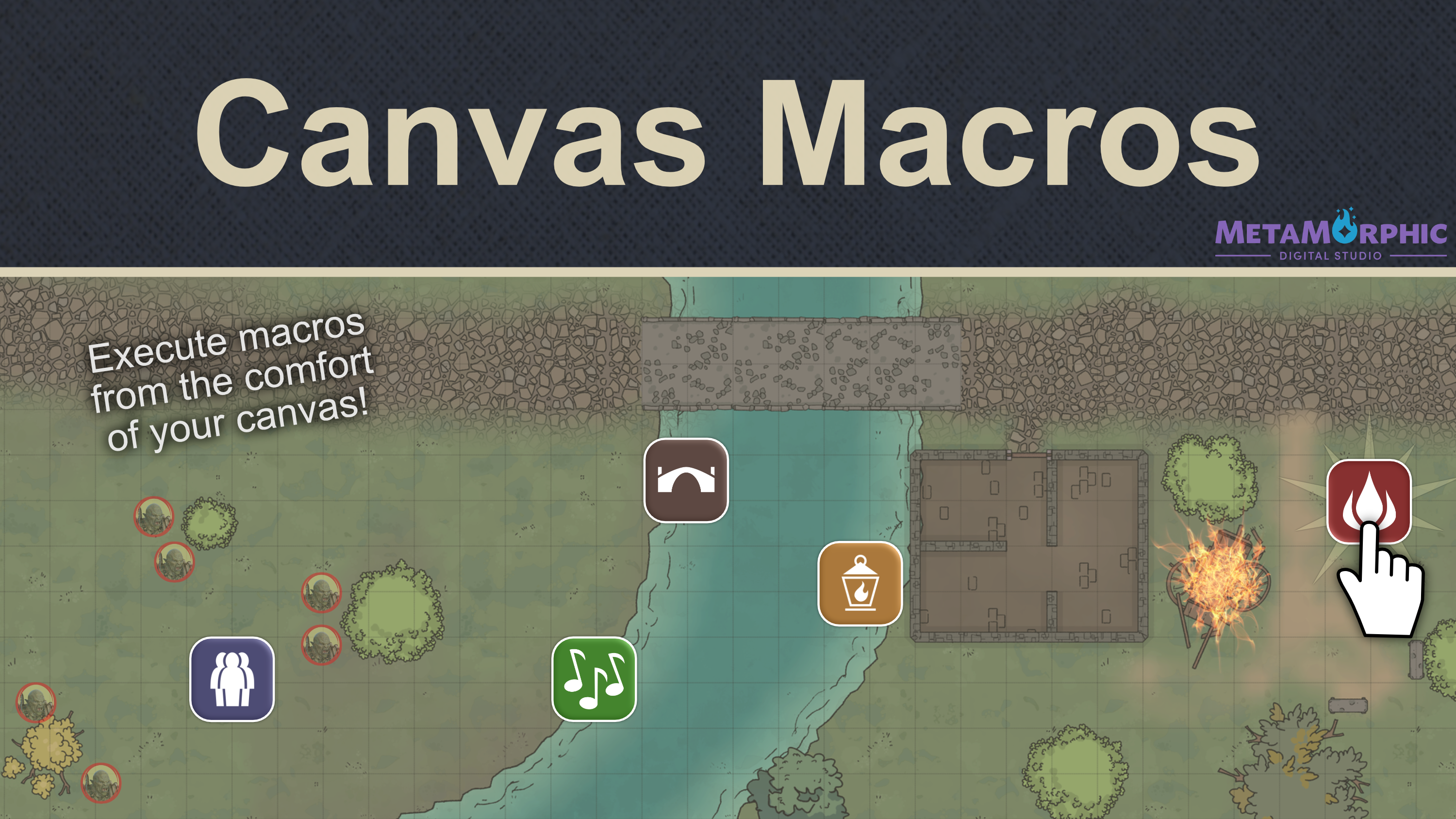
Canvas Macros allows for placing your configured macros onto the canvas. From here, they can be executed with a simple click event. Simply drag and drop any macro you have created onto the canvas to create an embedded macro. Click it while on the Token layer and its script will be executed.
Features
Macro Canvas Layer. A new macro layer accessed through the ui controls allows for placing and configuring your macros directly on the canvas.
Control Elements. Much like doors visible on the token layer, each macro placed on the canvas has a visible control element. Once clicked, this is what executes the placed macro.
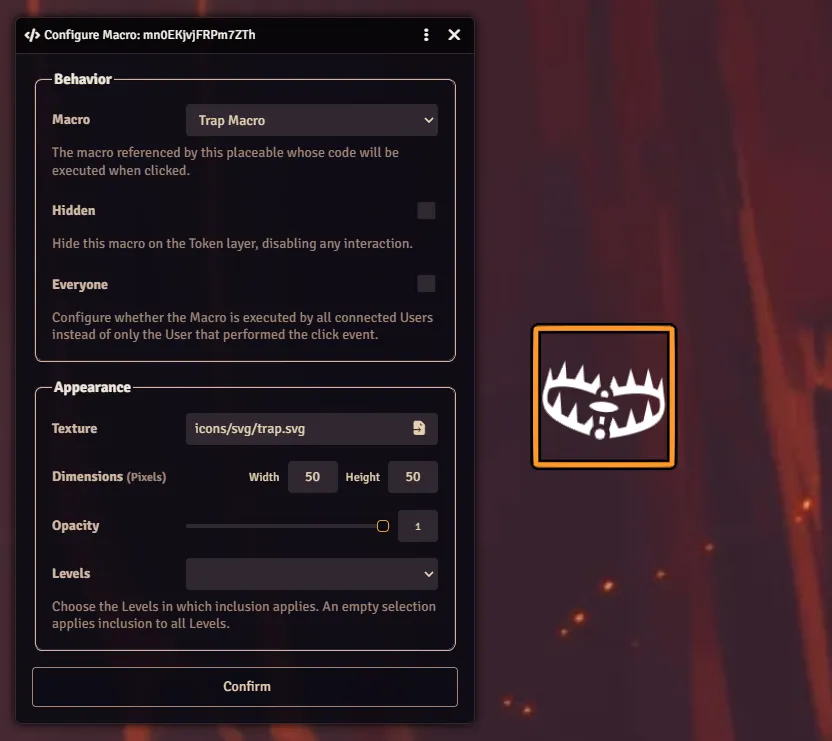
Precision Controls. Once placed, a game master can configure the visuals and access to any macro on the canvas. The macro can be visible on some or all scene levels, and dimensions and opacity can be adjusted to have the control element blend into the environment.
Execution
A macro of type `script` has its command executed by relevant clients with macro execution permissions. Additional parameters are provided, accessed in the `event` object.
/**
 * The `event` object in the execution of a canvas macro.
 */
interface CanvasMacroEvent {
  /** The executed macro. */
  macro: Macro;
  /** The embedded macro. */
  placeable: CanvasMacroDocument;
  /** The scene on which the placeable is located. */
  scene: Scene;
  /** The User that performed the click event. */
  user: User;
  data: {
    /** The coordinates of the originating click event. */
    origin: { x: number; y: number } | null;
    /** Which modifier keys were held during the pointer event. */
    keys: Set<'alt' | 'ctrl' | 'meta' | 'shift'>;
  };
}
Vocabulary
Three new classes are introduced in this module; the placeable, the macro document, and the macro layer. Think of these as analog to the token layer, token placeable, token document, and the usual macro being the actor.
CanvasMacroDocument. The embedded document in the Scene, analog to e.g. a TokenDocument.
CanvasMacro. The placeable, analog to e.g. a Token.
MacroLayer. Analog to the token layer.