Calendaria
Your campaign's time deserves more than a number in the corner.




Supporting The Module


Video Walkthrough
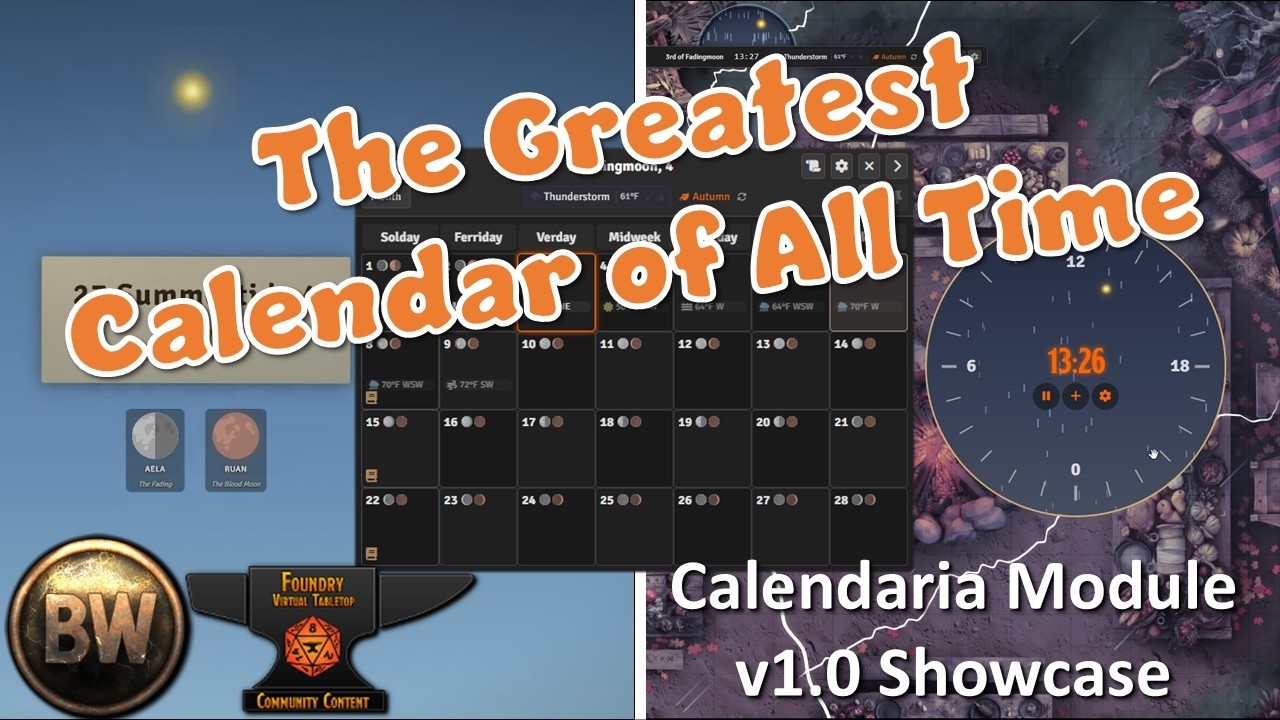
A walkthrough of most major features, graciously created by the BaileyWiki team.
What You Get
Calendar HUD
Animated dome widget with sky gradients, sun/moon tracking, and drag-anywhere positioning. Shows current weather, date, and event indicators at a glance. Collapse it to a sleek bar when you need screen space. Scenes automatically dim at sunset and brighten at dawn.


MiniCal & BigCal
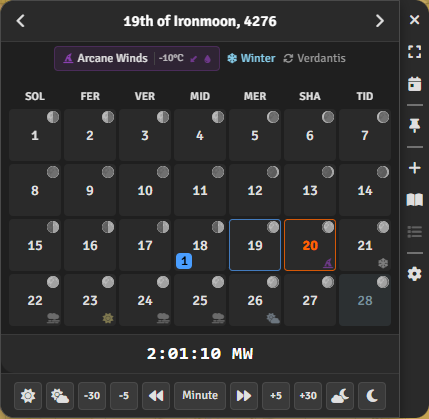
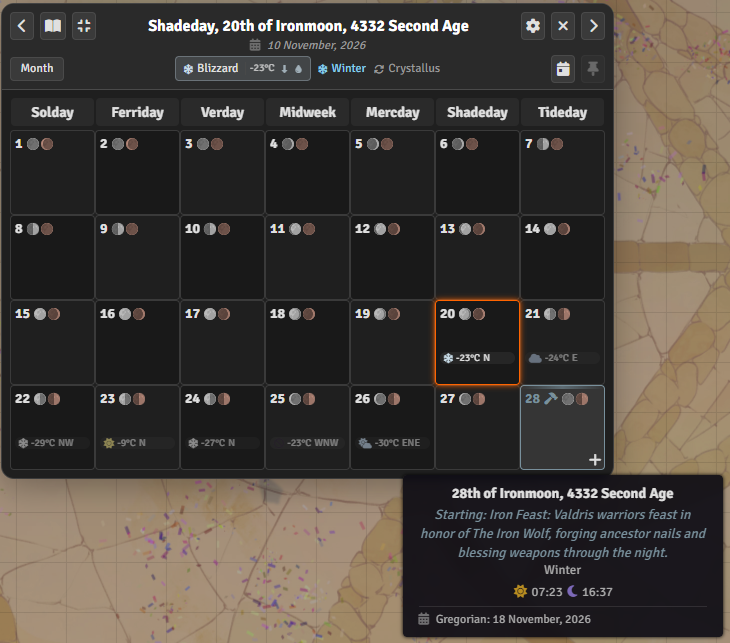
Quick month view for daily use, plus full month/week/year views when you need the big picture. Day cells show weather pips, moon phases, and note indicators. Hover for details, click to add notes, right-click for context actions.
Smart Notes
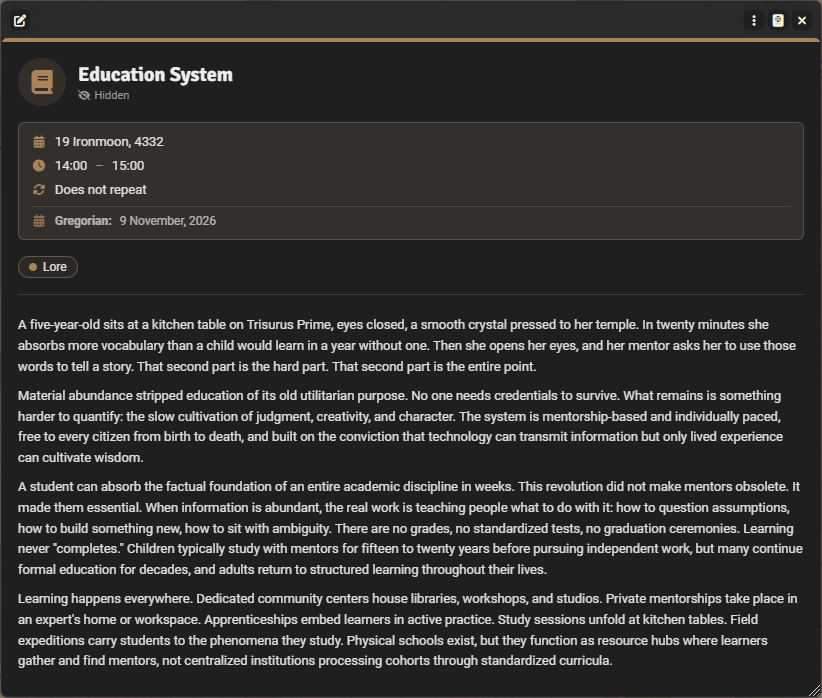
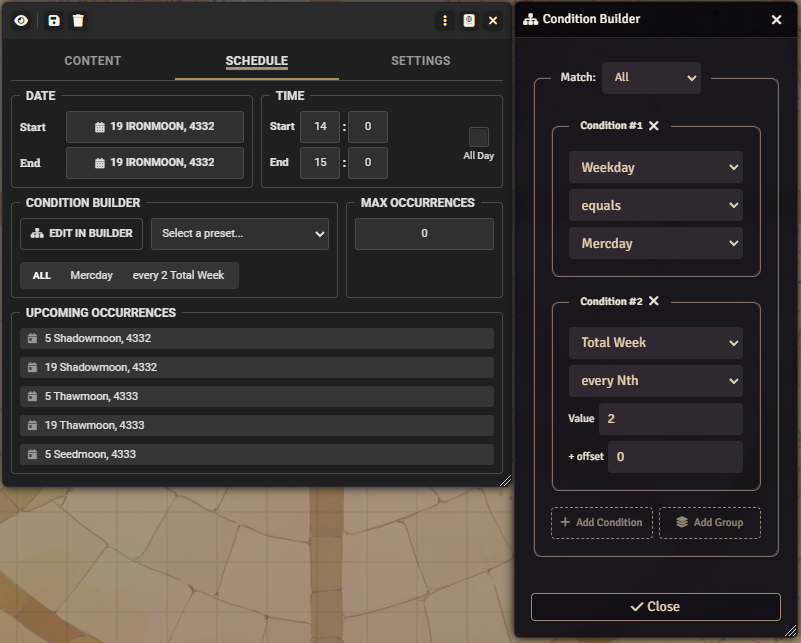
Schedule notes with a condition engine: 41 fields, 11 operators, boolean logic (AND/OR/NAND/XOR/COUNT), and nesting up to 5 levels deep. "Every full moon", "2nd Tuesday in winter", "3 days after Festival X" — it all works. Notes support three visibility levels (Visible/Hidden/Secret), three display styles (icon/pip/banner), and multi-day durations that render as continuous bars in BigCal. Note presets define defaults and force overrides. Get reminded via chat, popup, or notification.
Weather, Moons & Eclipses
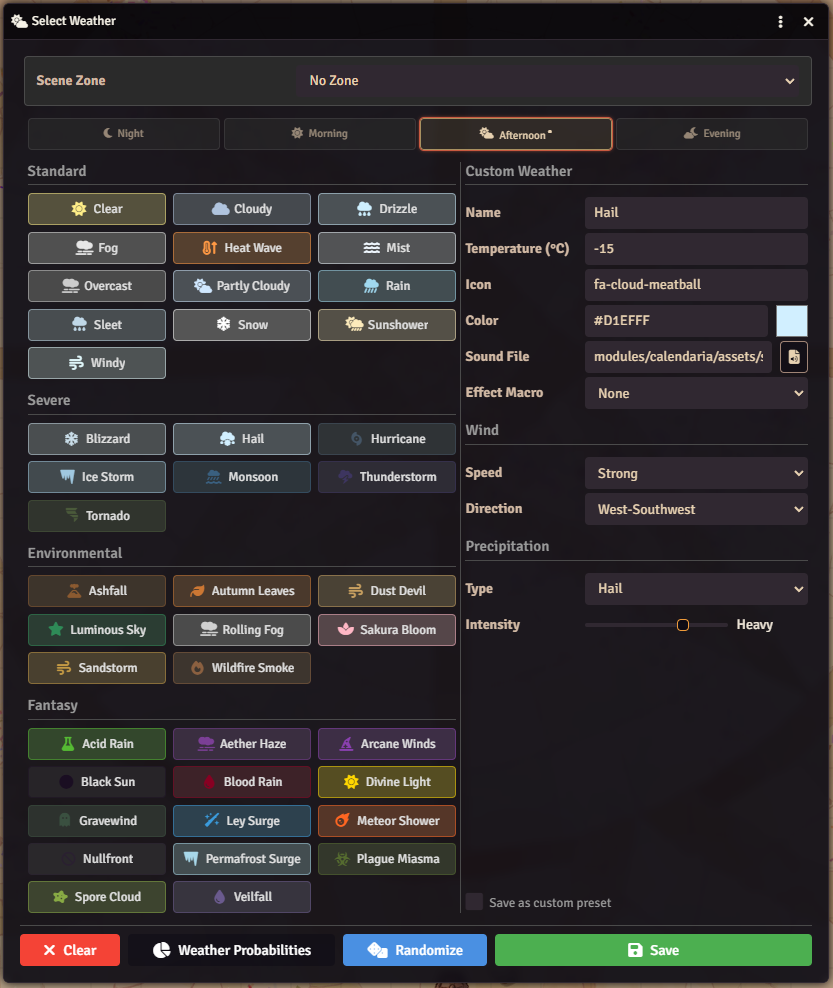
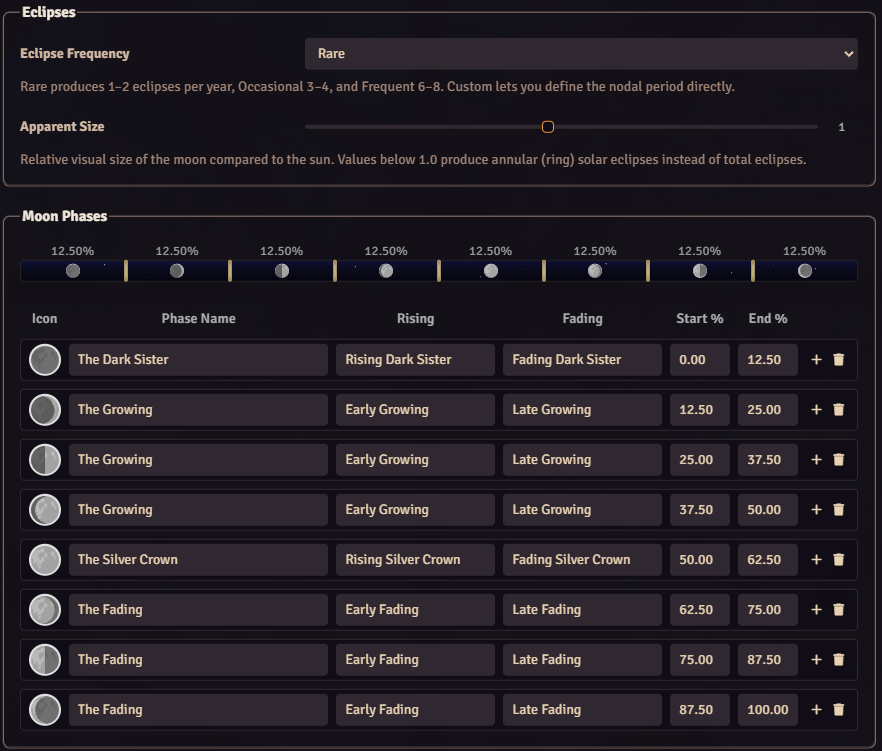
42 weather presets across standard, severe, environmental, and fantasy categories. Climate zones with per-season overrides. Intraday weather splits each day into four periods (Night/Morning/Afternoon/Evening). Multiple moons with independent cycles, randomized phase modes, and anchor phases. Eclipse calculation using a nodal window model with six subtypes (total/partial/annular solar, total/partial/penumbral lunar).
Cinematic Time Skip
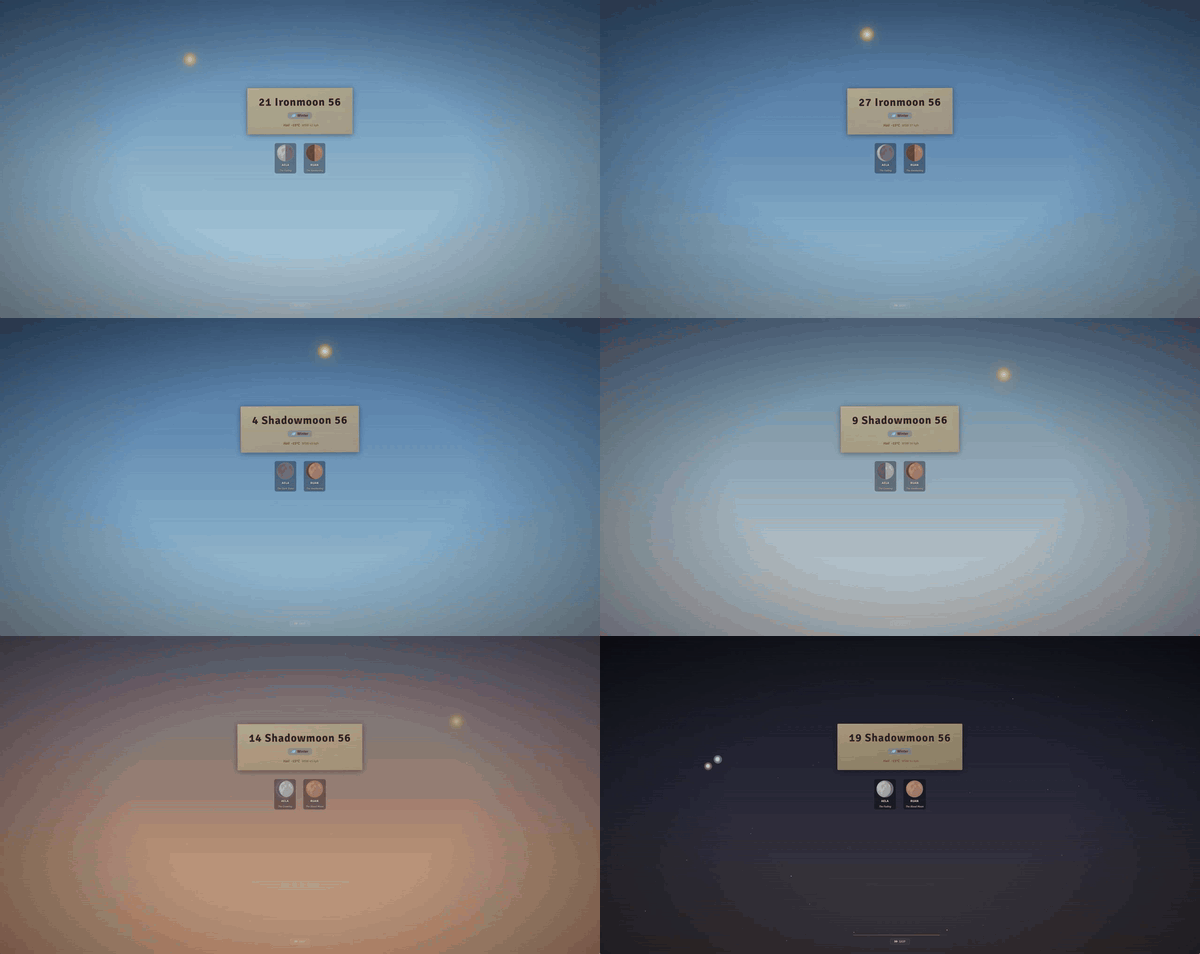
Fullscreen animated overlay when time advances by large amounts. PixiJS-rendered sky with day/night cycle, star field, sun arc, shooting stars, and moon orbs with phase masking. A date counter ticks through intermediate days while event cards scroll past. Auto-triggers on configurable thresholds or via a dedicated button in the Set Date dialog. Syncs across all connected clients.
Chronicle Timeline
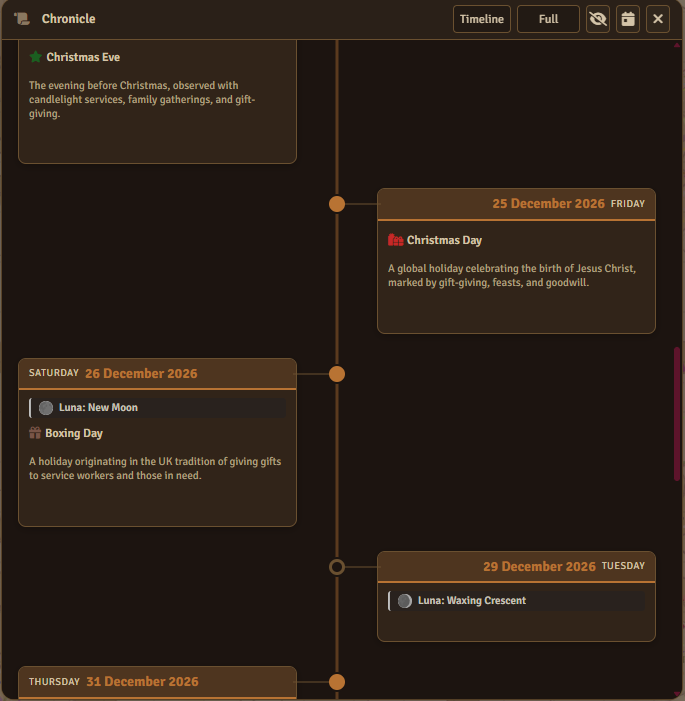
Infinite-scroll timeline showing notes, festivals, season banners, moon phases, and weather history. Two layouts: vertical scroll and alternating left/right timeline cards. Respects fog of war. Three depth modes: Title Only, Excerpts, and Full. Accessible from BigCal, MiniCal, HUD, context menus, toolbar, and API.
Fog of War
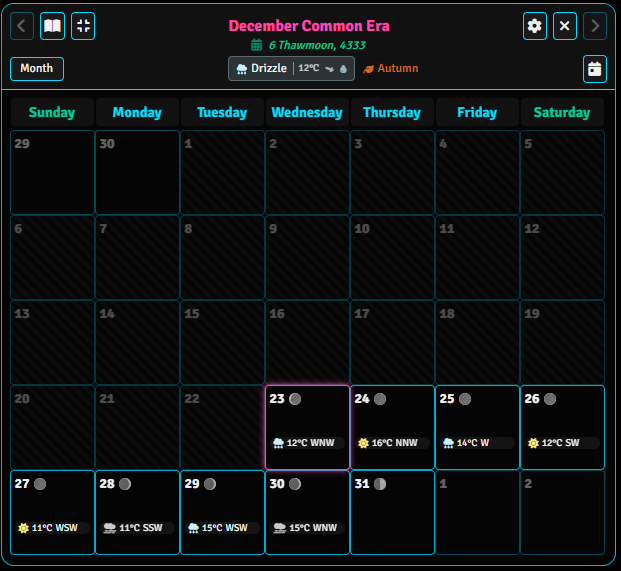
Players only see dates the GM has revealed. BigCal shows a striped overlay on fogged dates with interactions disabled. MiniCal dims fogged cells. Notes, weather, moons, and festivals are hidden on unrevealed days. Features include a Campaign Start Date lower bound, auto-reveal on day change with configurable radius, and a "Reveal Today to Here" context menu action.
Text Enrichers
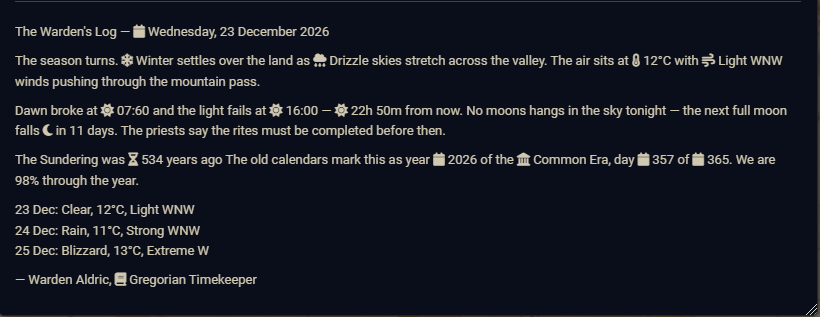
51 inline enrichers across 8 categories (Date & Time, Time Math, Calendar, Sun & Daylight, Moon, Weather, Notes, Composite). Embed live calendar data in journal entries, chat, and item descriptions: [[weather]] , [[moon]] , [[countdown 1492-6-15]] , [[sunrise]] , [[season]] . Enrichers update live when calendar data changes and support cross-calendar targeting.
Also Included
- Note Viewer — Standalone filter/search panel with preset, visibility, author, and text filters. Shift-click range select for bulk operations.
- Multi-Calendar Sync — Cross-calendar date translation via shared world time. Secondary Calendar Viewer shows equivalent dates.
- Scene Darkness — Automatic day/night lighting tied to sunrise and sunset. Per-scene overrides available.
- View Permissions — Per-widget visibility controls for all 7 widgets (BigCal, MiniCal, HUD, TimeKeeper, SunDial, Chronicle, Stopwatch).
- Combat Behavior — Per-user hide/restore rules for each widget during combat encounters.
21 Ready-to-Use Calendars
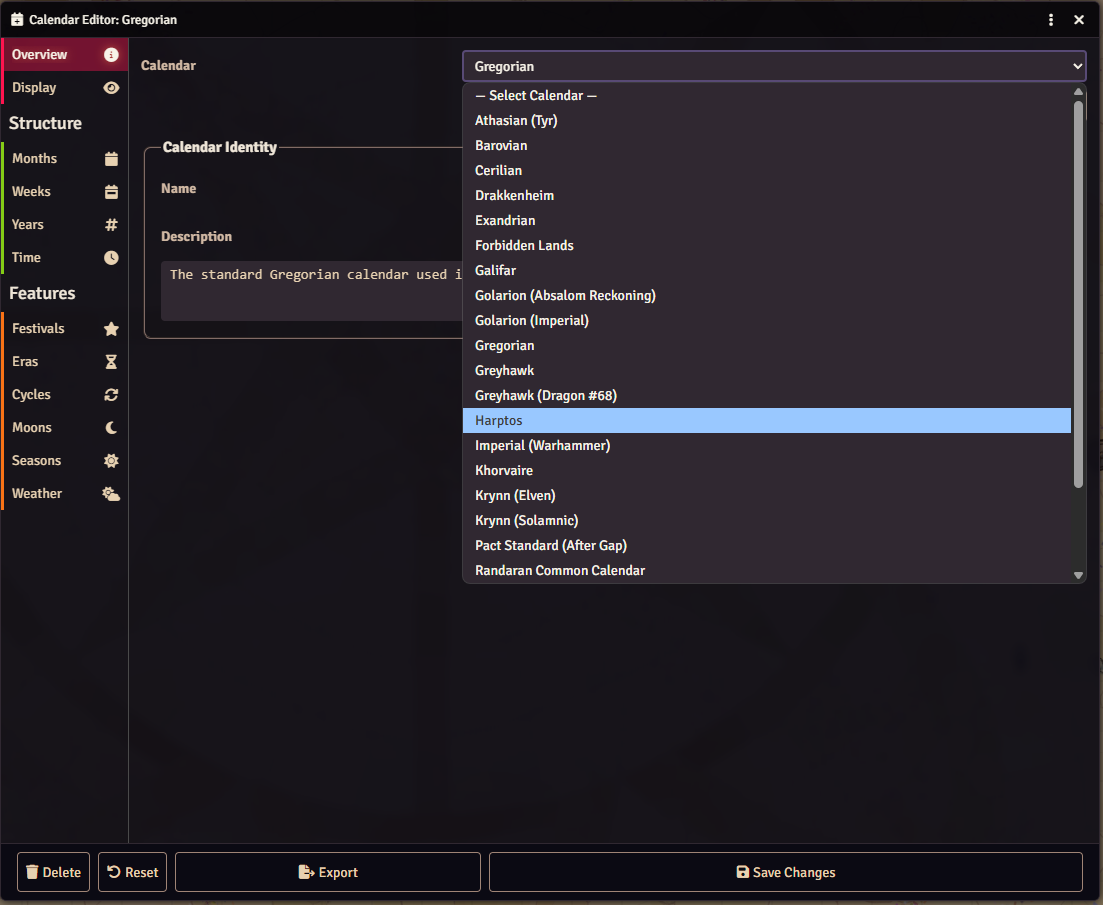
Forgotten Realms, Greyhawk, Eberron, Exandria, Golarion, Warhammer, Starfinder, Dark Sun, Dragonlance, and more. Or build your own with the Calendar Editor — import from Simple Calendar, Fantasy-Calendar.com, and others.
Make It Yours
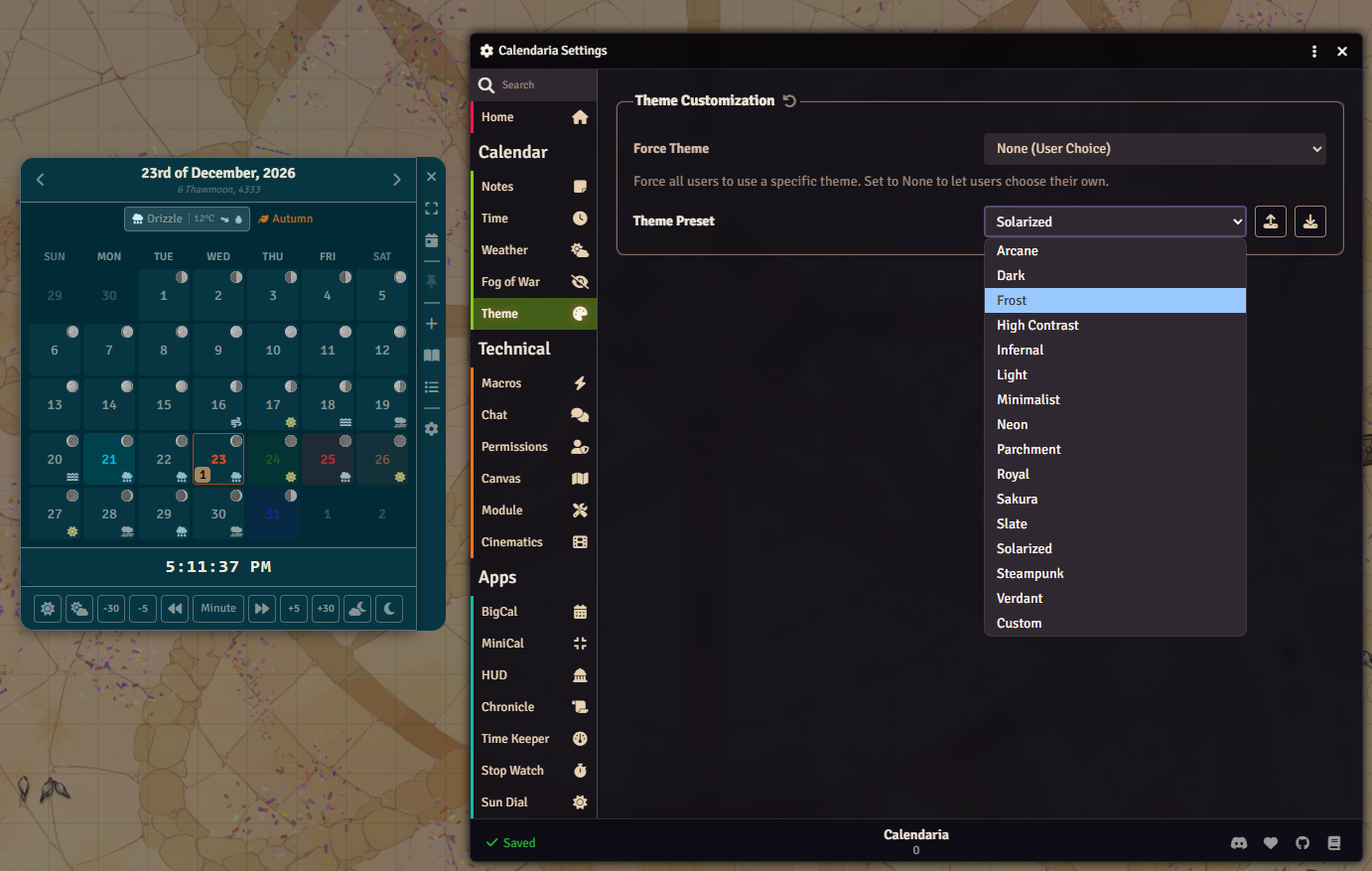
15 theme presets, custom color editor, and a searchable settings panel. Export your setup to share between worlds.
For the Tinkerers
Full API at CALENDARIA.api for macros and module integration. Chat commands like /date , /weather , /advance 8 hours . Keybinds for everything.
Installation
Get Calendaria through Foundry's Module Manager or The Forge's Bazaar for instant setup.
Manual Installation
- Open Foundry's Configuration and Setup screen
- Click Install Module in the Add-on Modules section
- Paste this URL in the Manifest URL field:
https://github.com/Sayshal/calendaria/releases/latest/download/module.json - Click Install
- Enable Calendaria in the Manage Modules section