This is a system-agnostic dice module for Foundry VTT. ADR also gives the GM additional options, such as picking a random player via a Fate Roll.
In addition, ADR offers extra dice functions for various game systems: Advantage / Disadvantage for D&D 5e (and similar systems such as Level Up, SW5e, Shadowdark or Tales of the Valiant), Boon / Bane for Dragonbane, Fudge dice for Fate, Bonus / Penalty dice for Call of Cthulhu 7e, and extensive mechanics for the Savage Worlds Adventure Edition (SWADE) such as Critical Failures, Benny rerolls, Request Rolls, and Dramatic Tasks.
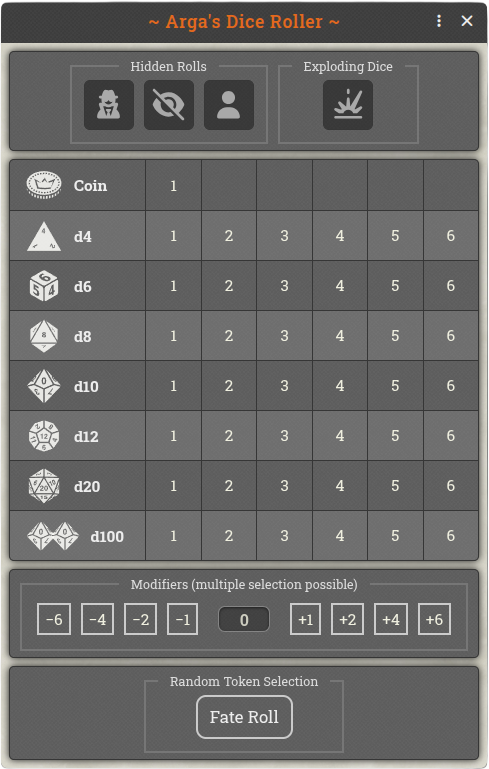
Dice Roller Default (GM)
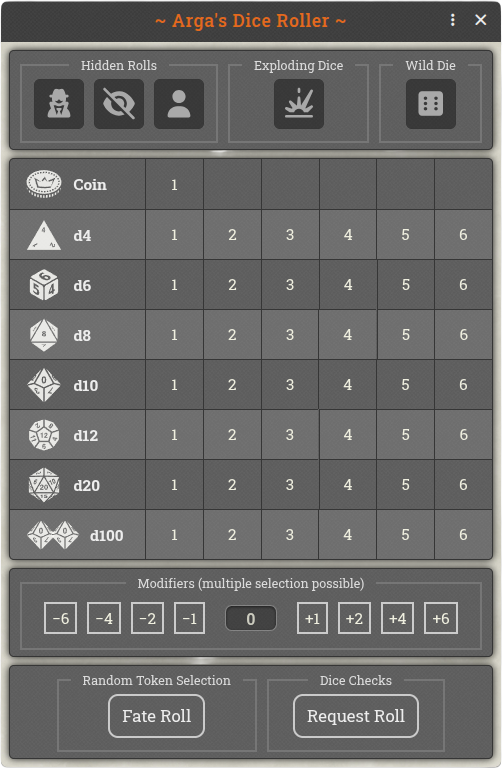
Dice Roller SWADE (GM)

Optional Fudge dice
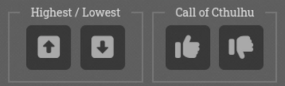
Further optional features

Optional additional modifiers (±10 / ±20)
For the chat display, the Fantasy and Modern theme graphics are available. Alternatively, the Foundry default can be used.
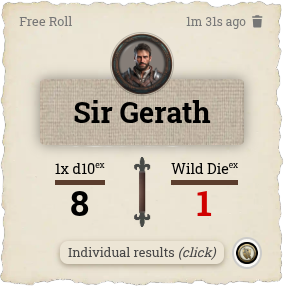
Fantasy Theme (SWADE)
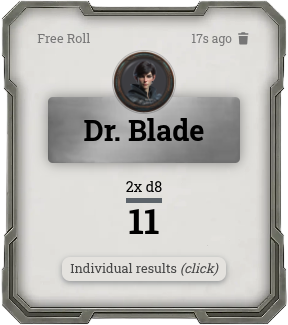
Modern Theme (default)
General Features
Regardless of the game system, Arga's Dice Roller offers the following features:
- Dice Window: Clicking the orange d20 icon in the left control panel opens the dice window with the standard dice d4, d6, d8, d10, d12, and d20. The GM decides in the submenu Displayed dice types which rows are offered — e.g. d6 only for Shadowrun; optionally available: coin toss, d2, d100, and Fudge dice (dF, showing +, blank or − per die). In Fate and Fudge worlds (Fate Core Official, FateX, Fudge RPG), the Fudge dice row is enabled by default.
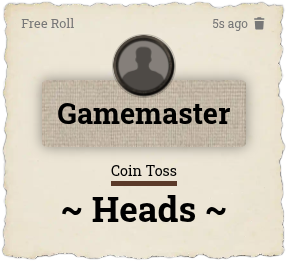
Coin Toss (Theme: Fantasy)
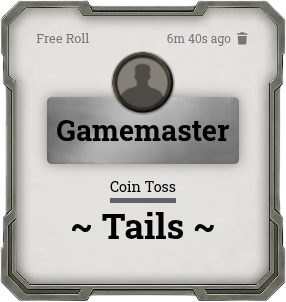
Coin Toss (Theme: Modern)
- Mixed Rolls: Holding the Ctrl key while clicking a die button lets you combine several die types (e.g. 2× d8 and 1× d6). Releasing the Ctrl key then triggers the roll.
- Exploding Dice: When a die rolls its maximum, it is rolled again and the results are added together. You can configure whether dice may explode multiple times or only once. In the chat, dice that are able to explode are marked with a superscript "ex".
- Modifiers: The optional modifier buttons range from -6 to +6 and can be applied cumulatively; an optional setting adds further buttons for ±10 and ±20. Alternatively, you can enter the modifier freely (up to two digits). The modifier does not affect the individual dice, only the total result (and the result of the SWADE Wild Die). The modifiers in effect are highlighted in color on the chat card.
- Highest / Lowest: Two optional buttons (on by default for D&D, Level Up, SW5e, Dragonbane, Shadowdark and Tales of the Valiant) roll all dice but count only the highest or the lowest one — advantage/disadvantage, boon/bane. Discarded dice are shown struck through on the chat card.
- Bonus / Penalty Die: Two optional buttons (on by default for Call of Cthulhu) add one or two extra tens dice to a d100 roll; the bonus die keeps the lowest tens, the penalty die the highest.
- Detailed Settings: In several submenus, the GM can configure which dice types and which buttons are shown in the dice window.
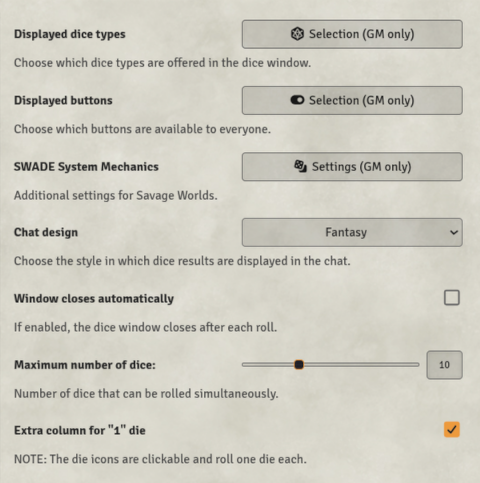
Game Settings Options
- Individual Results: Every chat card with a dice roll has a button for displaying the individual results. For example, when several different dice have been rolled, or when a roll has been rerolled with a Benny in SWADE, it can sometimes matter which die produced which result.
- Fate Roll (GM only): On the canvas, the GM selects all the tokens to choose randomly between. After pressing the "Fate Roll" button, one of the selected tokens is picked at random and its name is announced in the chat.
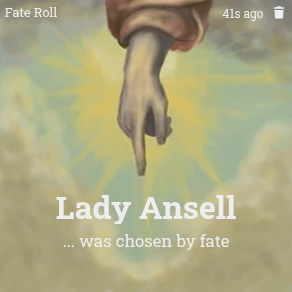
Fate Roll
Features for Savage Worlds (SWADE)
When the SWADE system is active, additional buttons are unlocked automatically and the dice mechanics of Savage Worlds are applied:
- Wild Die: An additional d6 that can always explode (the button is on by default in SWADE worlds, but can be enabled for any system). It is rolled alongside the Trait dice and produces its own result. The better result counts for the roll. Both dice are listed separately in the chat.
- Benny Reroll: Actors can reroll their roll by spending a Benny. By the rules, however, the new result cannot be worse than the previous one — unless the new roll is a Critical Failure. When a roll has been rerolled with a Benny, this is documented in the chat and the Benny button receives a green border.
- Fumble Detection: When the module detects a Critical Failure, the Benny reroll is disabled. (GM only:) If an Extra rolls a 1 on a check, the GM has the option to either accept the roll or check for a Critical Failure with a d6. NOTE: To save space, the SWADE term "Critical Failure" has been replaced with "Fumble" in some places.
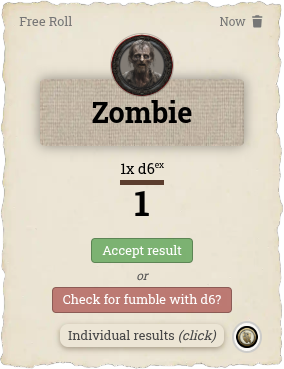
GM-Check for fumble (Theme: Fantasy)
Request Roll (GM only)
The GM sends roll requests to one or more actors (to players or to NPCs placed on the canvas):
- Individual Rolls: Each actor rolls with an individual Trait. The GM can also request rolls from several actors at once. As soon as an actor is selected, all Traits that this actor possesses are displayed.
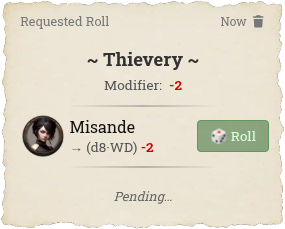
Requested Roll (Theme: Fantasy)
- Group Check: All selected player characters (this time not NPCs) test the same Trait (e.g. Notice). As long as no character has been selected, all Traits that at least one of the characters possesses are displayed below. Traits that not every character has are highlighted in yellow. When hovering over a character, the Traits that character does not have are shown in red. When hovering over a Trait, a tooltip displays all actors that have it. NOTE ON REQUEST ROLLS: If only the Trait to be tested is clicked, all available players are selected automatically.
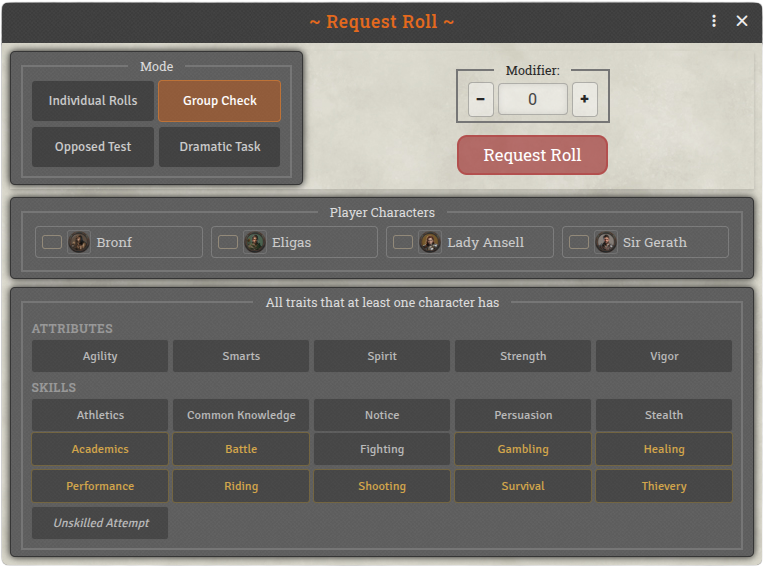
Group Check
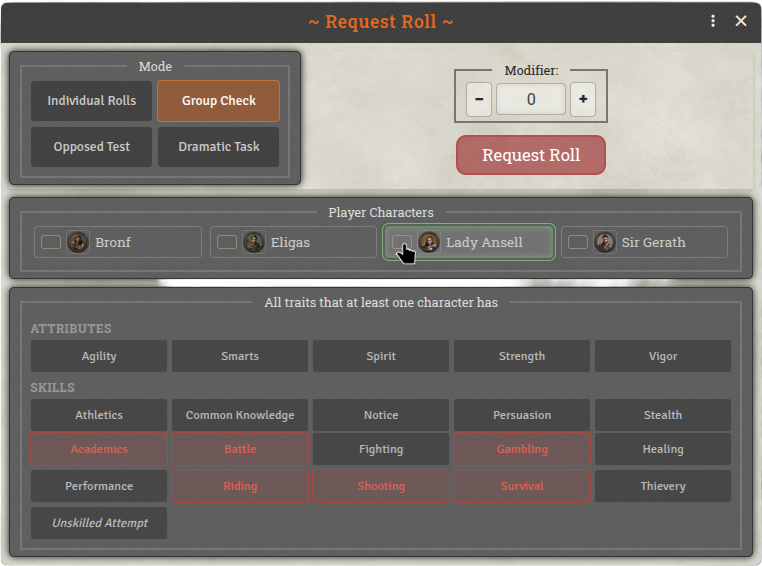
Group Check (Mouse over a Character)
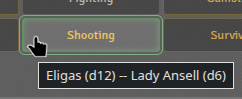
Group Check (Mouse over a Trait)
- Opposed Test: Two actors compete against each other with individual Traits (e.g. Notice vs. Stealth). The winner is highlighted in color in the chat.
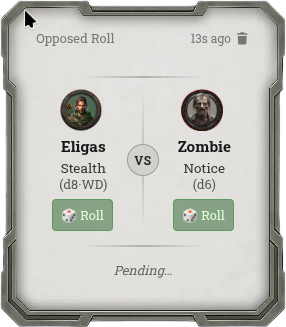
Opposed Test -Pending- (Theme: Modern)
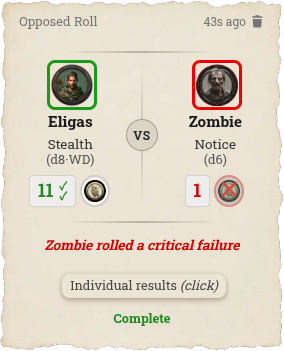
Opposed Test -Complete- (Theme: Fantasy)
- Dramatic Task: One or more actors must achieve a certain number of successes with an individual Trait within a number of rounds set by the GM. The GM can choose the parameters freely, or use the corresponding buttons to set the difficulty levels suggested by the SWADE rules. During a Dramatic Task, the module manages the task's progress and guides the player through their options with buttons, such as Supporting other actors. Each round, the module simulates drawing Action Cards and accounts for the rules effects of Joker or Club cards.
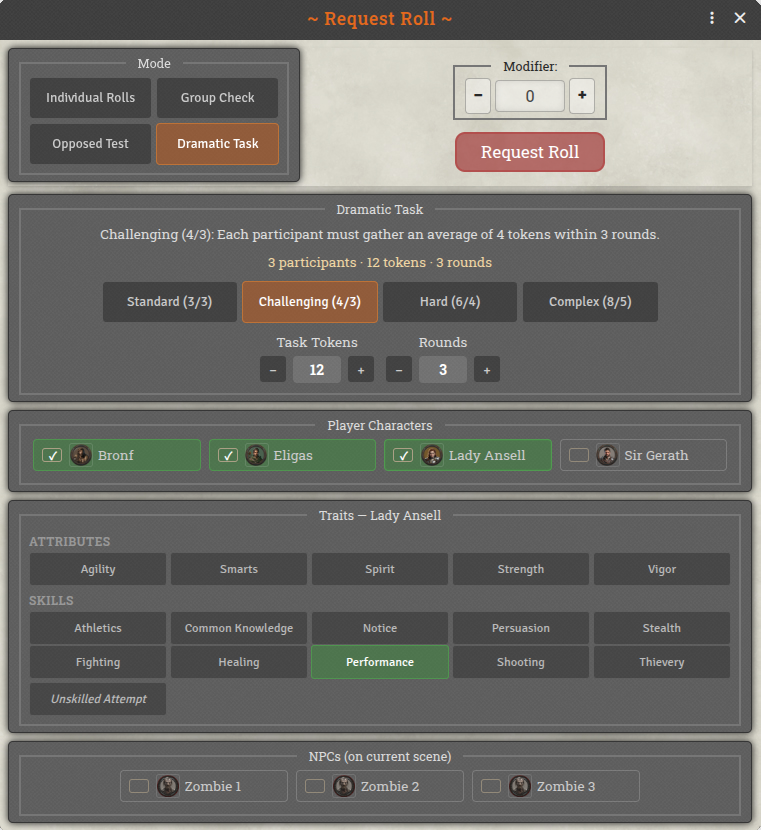
Request a Dramatic Task
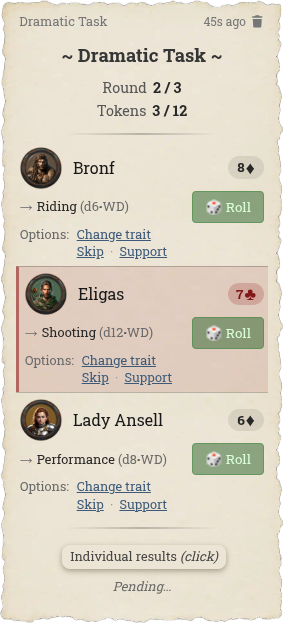
Dramatic Task in Chat
- Unskilled Attempts: When the module detects that a requested Trait is not available on an actor, an "unskilled" roll of d4-2 is made automatically.
Miscellaneous
- Localization: The module is currently available in English and German.
- Dice So Nice: If the DSN module is installed and active, all rolls — including the Wild Die, exploding dice, and Bennies — are rendered with the familiar 3D animations.